
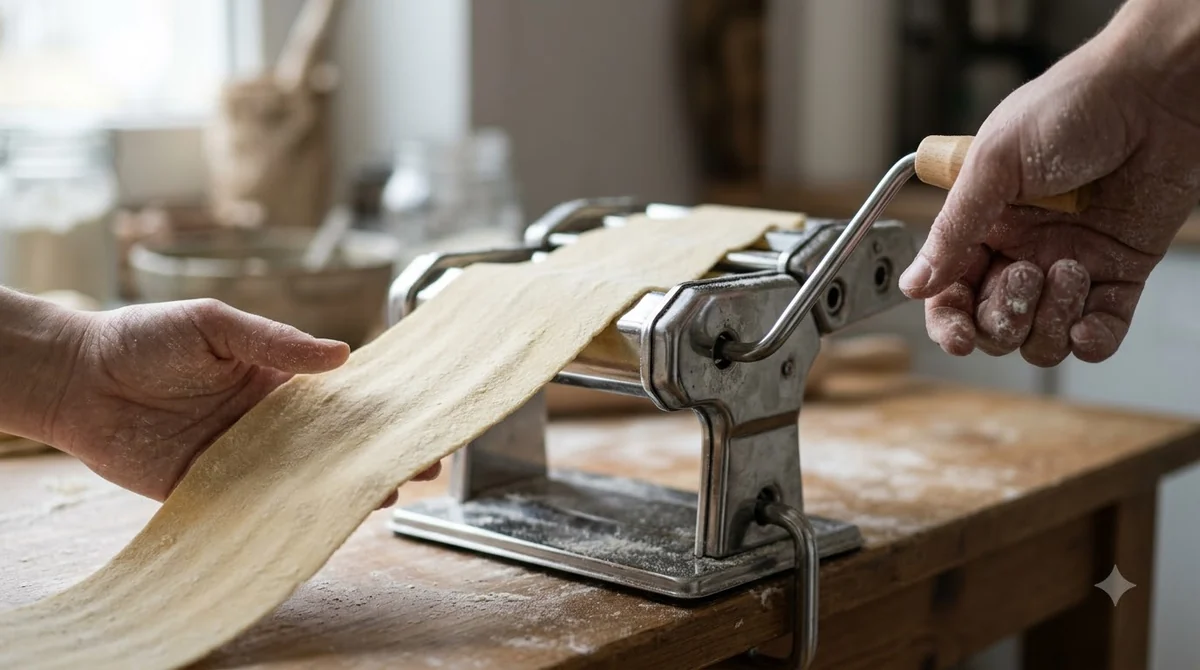

The Marcato Atlas 150 manual is the maker’s instruction booklet for its hand-crank pasta machine. It covers setup, thickness settings, cutting accessories, cleaning and a basic dough recipe in one place. Keep it close to the machine during your first few batches, since the marcato atlas 150 manual is the reference for every setting in this guide.
Its numbers come straight from Marcato, so you can check every setting against the official chart before you roll your first sheet.
What the Marcato Atlas 150 Manual Covers
The booklet covers setup, thickness settings, cutting accessories, cleaning and a basic dough recipe for the Atlas 150 hand-crank machine. The sections are short, and the numbers are printed as plain values rather than estimates you have to interpret.
The same booklet also covers several other Atlas and Ampia models, including the Atlas 180 and the motorized Atlasmotor. Read the accessory table with care, because it is labelled for the Atlas 150 specifically. The booklet also includes safety notes for the motor models, such as unplugging the cord before you attach or remove the motor. Those notes do not change how you use the hand-crank Atlas 150, but they are worth reading once. If a sheet comes out thicker or thinner than you expect, compare your regulator number with the chart before you change your dough.
How to Use the Atlas 150 for the First Time
Clamp the machine to a table, insert the crank and turn it clockwise before the first pass. Then clean the rollers with a damp cloth before any dough goes through.
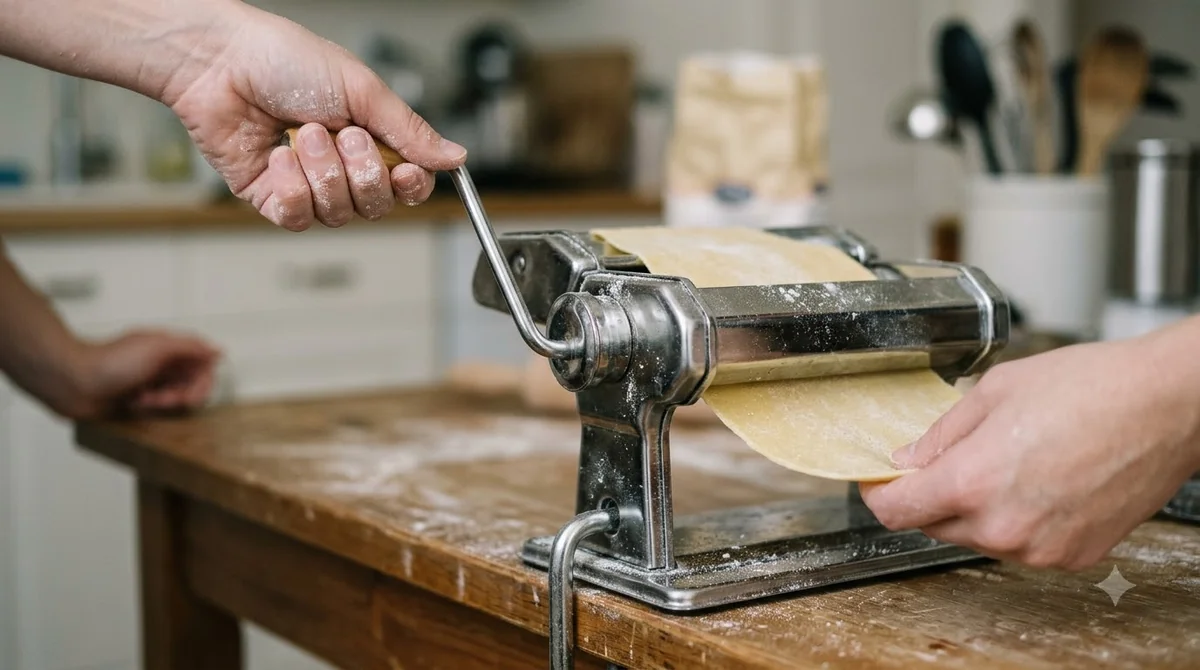
Follow these steps on first use. They match the setup section of the booklet, which is the part of the marcato atlas 150 manual most readers look for first.
- Fix the machine to the work surface by inserting the clamp into its hole.
- Insert the crank and always turn it clockwise.
- Clean the rollers with a damp cloth.
- Pass a little dough through the rollers to remove any residue, then discard that piece.
- Pull the regulator outward and turn it to No. 0.
Once the dough is ready, fold the sheet in half and pass it through No. 0 several times. Flour it at each step, and keep going until the shape is regular and compact. Only then start to thin it by passing the sheet once for each higher number, until you reach the thickness you want.
Thickness Settings on the Atlas 150
The regulator on the Atlas 150 runs from No. 0 to No. 9, and the marcato atlas 150 manual puts No. 0 at about 4.8 mm and No. 9 at about 0.5 mm. Each step up the numbers gives a thinner sheet, so you pass the dough once per number on the way down.
| Regulator | Sheet thickness |
|---|---|
| No. 0 | about 4.8 mm |
| No. 1 | about 3.7 mm |
| No. 2 | about 3.1 mm |
| No. 3 | about 2.4 mm |
| No. 4 | about 1.8 mm |
| No. 5 | about 1.5 mm |
| No. 6 | about 1.0 mm |
| No. 7 | about 0.8 mm |
| No. 8 | about 0.6 mm |
| No. 9 | about 0.5 mm |
Each value in the chart carries a tilde, which marks it as approximate, so treat the chart as a guide rather than a promise. The sheet you get also depends on your dough and on how many passes you make at each number. The Marcato instruction booklet lists these figures, so you can confirm them against your own copy.
Cutting Settings for Common Pasta Shapes
For capellini and tagliolini, use regulator 8 or 9, and for bigoli, use regulator 2, according to the accessory table in the marcato atlas 150 manual. The table saves trial and error when you switch between shapes, and it is the fastest way to use the marcato atlas 150 manual for a specific pasta.
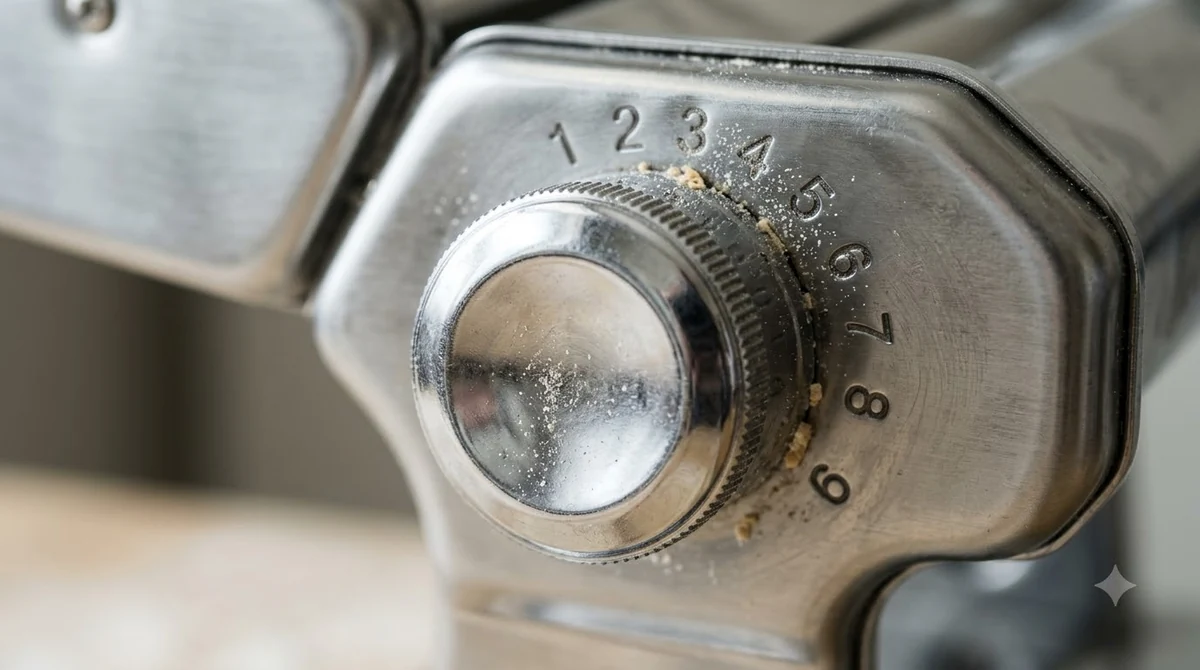
The Atlas 150 accepts a range of cutting accessories, and the marcato atlas 150 manual lists the recommended regulator position for each one. After thinning the sheet, move the crank into the hole of the cutting rollers and pass the sheet through to obtain the chosen shape.
| Accessory | Cut width | Regulator |
|---|---|---|
| Vermicelli | 1 mm | 5 |
| Spaghetti | 2 mm | 4 |
| Bigoli | 3.5 mm | 2 |
| Linguine | 3 mm | 4 |
| Capellini | 1 mm | 8 to 9 |
| Spaghetti chitarra | 2 mm | 4 |
| Trenette | 3.5 mm | 6 to 7 |
| Lasagnette | 10 mm | 6 to 9 |
| Fettuccine | 6.5 mm | 6 |
| Tagliolini | 1.5 mm | 8 to 9 |
Four wider accessories in the booklet, mafaldine, reginette, pappardelle and ravioli, are marked as not usable with the Pastadrive motor. Wide ribbons like pappardelle are a good reason to use the hand-crank machine. If you run the machine by hand, they are not affected. Cut the sheet into pieces about 25 cm long and flour them lightly on both sides before you feed them through the cutter.
Cleaning and Care for the Rollers
Do not wash the Atlas 150 or its accessories in water or a dishwasher. Clean them with a cloth and a brush instead, as the marcato atlas 150 manual directs.
The combs under the cutting rollers come out for a deeper clean, which makes dough residue easier to reach. Brushing the rollers and the comb is the simplest routine, and it keeps the gaps free of dried dough. For a broader routine that applies to any hand-crank machine, see our guide on how to clean a pasta machine. For this model specifically, our walkthrough on how to clean the Marcato Atlas 150 covers brushing, drying and storage.
- Press the rod downward and push it sideways to remove it.
- Insert the rod into the central hole of the comb and slide the comb out of its seat.
- Clean the rollers and the comb with a brush or a cloth.
- Reinsert everything by repeating the steps in reverse.
Clean the rollers by hand only, just as you would when you learn how to clean a KitchenAid pasta roller attachment. The marcato atlas 150 manual also warns against washing the machine, so keep a dry brush for routine cleaning.
If the rollers squeak, put a few drops of food-contact Vaseline oil on the ends of the rollers, as the marcato atlas 150 manual describes.
Basic Fresh Pasta Dough From the Manual
The booklet’s base dough uses 250 g of 00 flour, 250 g of re-milled durum wheat semolina and 5 eggs, which the maker says is enough for five people. Mix the dough by hand, then adjust the moisture before you start rolling. The marcato atlas 150 manual gives this base recipe, so use it as your starting point.
Place the flour on a board and make a well in the center. Crack the eggs into it, beat them with a fork, then mix in the flour a little at a time. Work the dough with your hands until it is elastic and even.
- If the dough is too dry, add a little water.
- If the dough is too soft, add a little flour.
- A good dough should not stick to your fingers.
Weigh the flour and semolina rather than measuring by volume, so the 250 g to 250 g ratio stays the same from batch to batch. Small changes in flour weight can shift the dough more than you expect.
Common Mistakes When Using the Atlas 150
The most common mistake is skipping the folding passes at No. 0, which leaves a sheet that is not yet regular and compact. An uneven sheet is harder to thin evenly, so give the folding passes the time they need.
- Skipping the No. 0 passes, so the dough is not yet smooth.
- Starting at a thin setting instead of No. 0.
- Forgetting to flour the sheet, so it sticks to the rollers.
- Washing the machine in water or the dishwasher.
Most problems with the Atlas 150 come down to four basics from the marcato atlas 150 manual: the clamp, the crank direction, the No. 0 passes and the flour on each sheet. Check those four before you change your dough or your settings. If the result is still wrong, compare the regulator number with the thickness chart and adjust one step at a time.
Frequently Asked Questions
Where can I find the Marcato Atlas 150 instructions?
The official instructions come as the marcato atlas 150 manual packed with the machine. Marcato also publishes a PDF copy on its store site, and the booklet lists [email protected] for questions about recipes and the product.
What is the thinnest setting on the Atlas 150?
Regulator No. 9 gives the thinnest sheet, about 0.5 mm, according to the chart in the marcato atlas 150 manual. Work down to it one number at a time, as the booklet describes, rather than jumping straight to the thinnest setting.
Can I put the Atlas 150 in the dishwasher?
No. The booklet says not to wash the machine or its accessories in water or a dishwasher. Brush the rollers and wipe the body with a cloth after each session.
How often should I oil the rollers?
Oil the rollers only when they squeak. Add a few drops of food-contact Vaseline oil at the roller ends, as the booklet describes, and wipe away any excess before you roll dough.
Which setting should I use for spaghetti?
Use regulator 4 for the 2 mm spaghetti accessory, which makes the strands described in our spaghetti pasta guide. The marcato atlas 150 manual gives the same position for spaghetti chitarra, so one setting covers both shapes.
Does the manual cover the Atlas 180 too?
Yes. The same booklet covers the Atlas 150, the Atlas 180 and several other models. Use the accessory table for cutting positions, since it is labelled for the Atlas 150, and check the model name on your box before you apply any other setting.
Keep the marcato atlas 150 manual near the machine for the first few batches, and start each batch at No. 0. Step down one number at a time until the sheet reaches the thickness your shape needs, then clean the rollers before you put the machine away.