
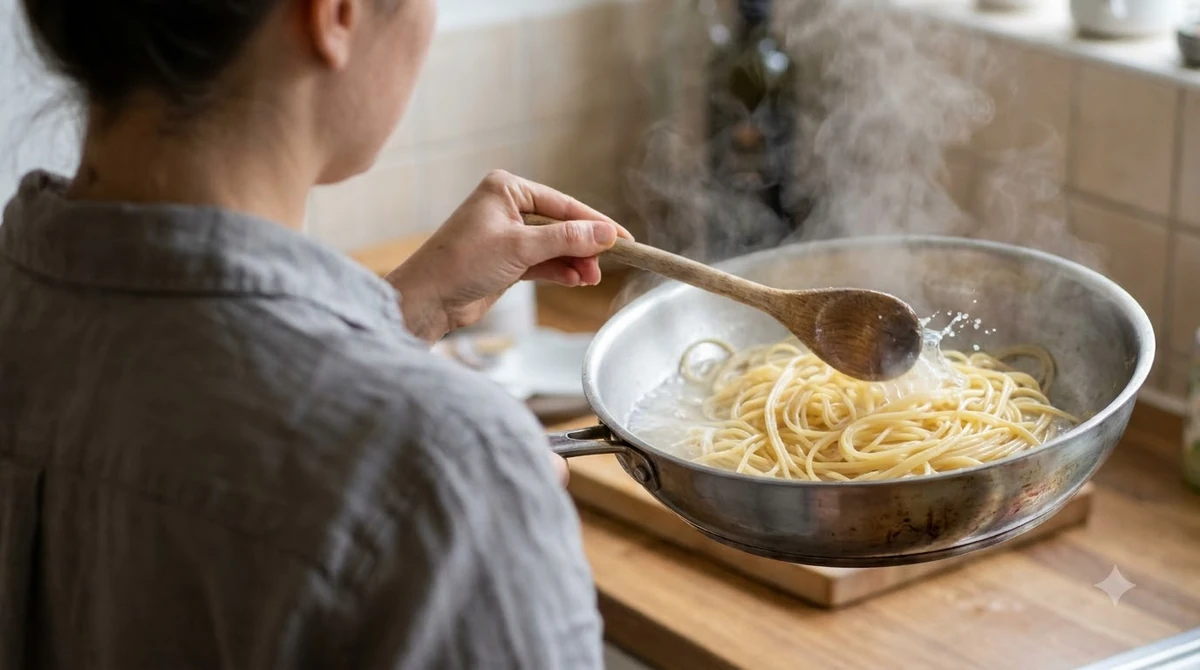

KitchenAid Classic Plus attachments are the add-ons that turn a stand mixer into a pasta maker, and the pasta roller and cutter set is the one most owners buy first. Each set has a different mix of roller and cutters, so the set you choose matters as much as the mixer. Fit is the question to settle before you buy kitchenaid classic plus attachments.
Which KitchenAid Classic Plus Attachments Fit Your Mixer
Most KitchenAid attachments are designed to work with all KitchenAid stand mixers, and the pasta press is the one documented exception in the pages we read. KitchenAid’s UK compatibility FAQ says accessories are designed to work with all KitchenAid stand mixers, except the Professional bowl-lift model 5KSM7990X, which is excluded from the pasta press and several other attachments.
The same FAQ lists the 4.3 L and 4.8 L tilt-head models by model number, including the 5K45SS. The Classic Plus is not named on any page we read, so match your exact model number against that list rather than relying on a general tilt-head heading. If you own a smaller mixer, see our guide to KitchenAid Artisan Mini attachments. Bowl-lift owners should check pasta tools for bowl-lift mixers instead, since fit there is listed by exact model number.
| Set | Included parts | Best for |
|---|---|---|
| 5KSMPRA | Pasta roller, spaghetti cutter, fettuccine cutter | Owners who want the widest starter set |
| 5KSMPSA | Pasta roller only | Owners who want sheets for lasagna and ravioli |
| 5KSMPCA | Capellini cutter, lasagnette cutter | Owners who mainly want thin or wide noodles |

KitchenAid KSMPRA 3-pc Pasta Roller/Cutter Set
Pros & ConsViewHide
Reasons to buy
- Roller and cutter attachments for KitchenAid stand mixers
- Rolls even sheets without hand cranking
- 88% of 9K Amazon ratings are 5-star
Reasons to avoid
- Needs a compatible KitchenAid stand mixer
- Rolls and cuts the dough, but does not fill or fold tortellini
- One of the costlier tools in this guide

KitchenAid KSMPEXTA Gourmet Pasta Press Attachment
Pros & ConsViewHide
Reasons to buy
- Six quick-change discs: spaghetti, bucatini, rigatoni, fusilli, large and small macaroni
- Built-in wire cutter and a storage case
- Stainless steel cleaning tool included
Reasons to avoid
- Needs a KitchenAid stand mixer, sold separately
- Takes more cleanup than a roller
- Premium-priced attachment

Antree 3-1 Pasta Roller & Cutter Attachment Set
Pros & ConsViewHide
Reasons to buy
- Roller plus spaghetti and fettuccine cutters in one set
- Lower price than the KitchenAid-branded set
- 4.5-star Amazon rating
Reasons to avoid
- Third-party brand, not made by KitchenAid
- Confirm the fit for your mixer before buying
Pasta Roller and Cutter Set Parts
Among the kitchenaid classic plus attachments, the 5KSMPRA set includes a pasta roller plus spaghetti and fettuccine cutters, while the 5KSMPSA is the roller alone and the 5KSMPCA holds the capellini and lasagnette cutters. The manual’s model chart lists these three sets separately, so check it to confirm which parts came in your box.
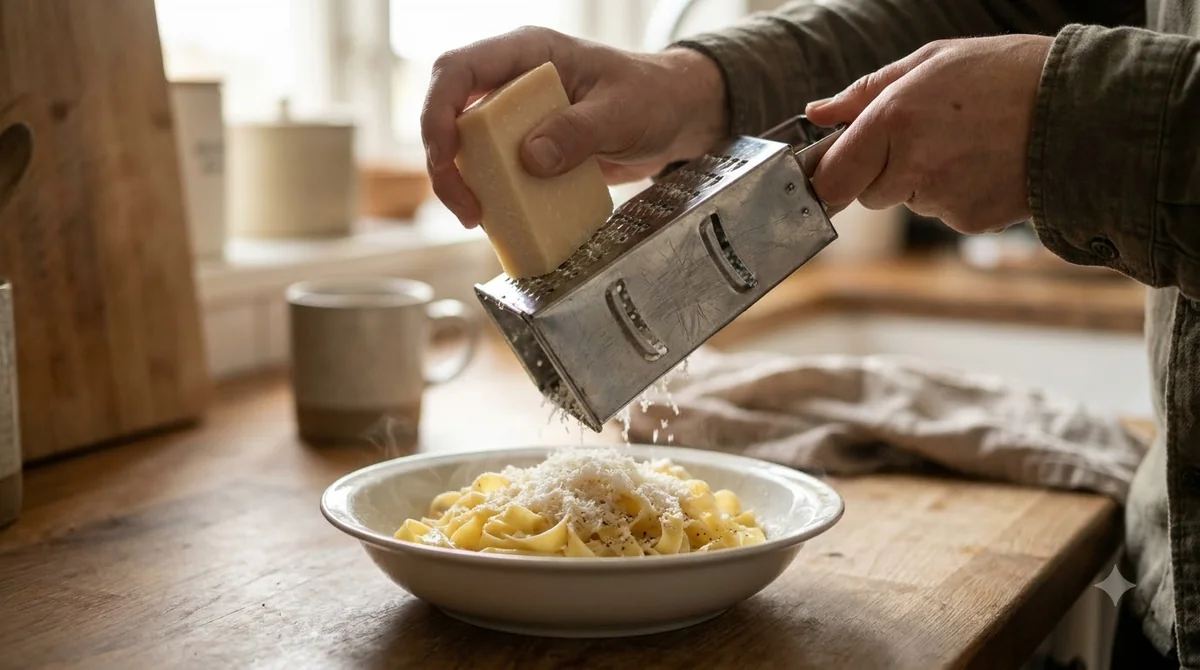
The attachment connects to the mixer’s hub. According to the manual, the hinged cover on the attachment hub flips up, and the removable cover turns counterclockwise.
KitchenAid UK describes the same seating steps for its pasta tools: turn the mixer to speed 0 and unplug it, slide the shaft into the square socket, drop the pin into the notch on the hub rim, then tighten the hub knob until the attachment is secure. These steps come from KitchenAid’s UK pasta press assembly FAQ, and they apply to kitchenaid classic plus attachments that use the hub.
If you want a cutter that your kitchenaid classic plus attachments do not include, the manual’s model chart shows which other set carries it. Check the parts list before you buy so you know which cutter widths you will get.
Cutter Widths and Speed Settings
For kitchenaid classic plus attachments, each cutter has one fixed speed and noodle width in the manual, and the spaghetti cutter runs at speed 7 with a 2 mm width. Two cutters share speed 7, so the speed alone does not separate spaghetti from capellini; the die width does.
| Attachment | Speed | Noodle width | Suggested use |
|---|---|---|---|
| Pasta roller | 2 | Sheet up to 140 mm | Dough sheets, with settings in the next section |
| Lasagnette cutter | 3 | 12 mm | Thick noodles |
| Fettuccine cutter | 5 | 6.5 mm | Egg noodles |
| Spaghetti cutter | 7 | 2 mm | Spaghetti and thin fettuccine |
| Capellini cutter | 7 | 1.5 mm | Very thin angel hair style pasta |
These figures come from the KitchenAid use and care manual for the pasta roller and cutter set, which gives the speed chart for every attachment. Use the speed listed for each cutter among the kitchenaid classic plus attachments rather than a speed you estimate by feel.
Roller Settings for Each Pasta Shape
The manual’s roller settings chart for kitchenaid classic plus attachments matches each pasta type to a range of roller settings, starting at 1 or 2 for kneading and running up to 7 or 8 for capellini. The chart gives ranges rather than one exact thickness, so the final setting is a matter of testing with your dough.

- Settings 1 or 2: kneading the dough.
- Settings 4 or 5: lasagna, fettuccine, spaghetti and ravioli.
- Settings 6 or 7: tortellini and thin fettuccine.
- Settings 7 or 8: capellini.
Start from the thicker end of the range and step down while you check the sheet. KitchenAid UK says the roller makes sheets 14 cm wide with eight thickness settings, and our how to use the KitchenAid pasta roller guide walks through the full routine. For a general beginner routine, see how to use a pasta machine.
How to Clean and Care for Attachments
Before you clean kitchenaid classic plus attachments, turn the mixer off, unplug it and detach the attachment, according to the manual. The manual also says the attachments are for pasta dough only, so do not use them to roll or cut other foods.
Do not wash the attachments in water or put them in the dishwasher. Brush dry dough off with the cleaning brush included in the set, and wipe the parts dry before you store them. KitchenAid UK adds that the roller should air dry for about one hour before you brush off the dough, that you should never scrape it with a knife, and that no dish towel should go through the rollers. Once the pasta is cut, see how to store fresh pasta for fridge, freezer and drying methods.
Frequently Asked Questions
Do KitchenAid Classic Plus attachments fit every mixer?
No single answer covers every model. KitchenAid says its accessories are designed for all stand mixers except the pasta press on the 5KSM7990X, but the Classic Plus is not named on the pages we read. Check your model number on KitchenAid’s compatibility list before you buy.
Which cutter makes spaghetti?
The spaghetti cutter in the 5KSMPRA set, one of the kitchenaid classic plus attachments, runs at speed 7 with a 2 mm noodle width, according to the manual. The fettuccine cutter is a separate part that runs at speed 5 and cuts 6.5 mm noodles.
Can I put the pasta roller in the dishwasher?
No. The manual says not to wash the attachments in water or put them in the dishwasher. Turn the mixer off, unplug it and detach the roller first, then clean it by hand with the brush. The same care rule applies to every kitchenaid classic plus attachments part in the set.
Can the roller roll dough other than pasta?
No. The manual says the attachments are for pasta dough only and should not be used to roll or cut other foods.
Do I need the pasta press if I already have the roller set?
The roller set and the pasta press do different jobs, so one does not replace the other. The pasta press is also excluded for the Professional bowl-lift 5KSM7990X, so check your model before you buy either attachment. Our KitchenAid pasta extruder manual guide covers the press assembly, speeds and cleaning.
Before you buy kitchenaid classic plus attachments, match your model number to KitchenAid’s compatibility list, then choose the set whose cutters you will use most. If your mixer is not clearly listed, contact KitchenAid support before you order.
 8 min readBy Use & ModelKitchenAid Classic Attachments: Which Ones Fit and What Each DoesUpdated Nov 15, 2026
 7 min readBy Use & ModelKitchenAid Pro 5 Plus Attachments: Pasta Press Fit, Setup and SpeedsUpdated Nov 8, 2026
 8 min readBy Use & ModelKitchenAid Heavy Duty Attachments: Which Ones Fit Your MixerUpdated Nov 15, 2026
 6 min readBy Use & ModelOoni Karu 12 Accessories: What Each One DoesUpdated Nov 10, 2026
 8 min readBy Use & ModelKitchenAid Artisan Mini Attachments: Which Pasta Tools FitUpdated Nov 7, 2026
 7 min readBy Use & ModelKitchenAid Bowl Lift Attachments: Which Pasta Tools Fit Your MixerUpdated Nov 7, 2026