
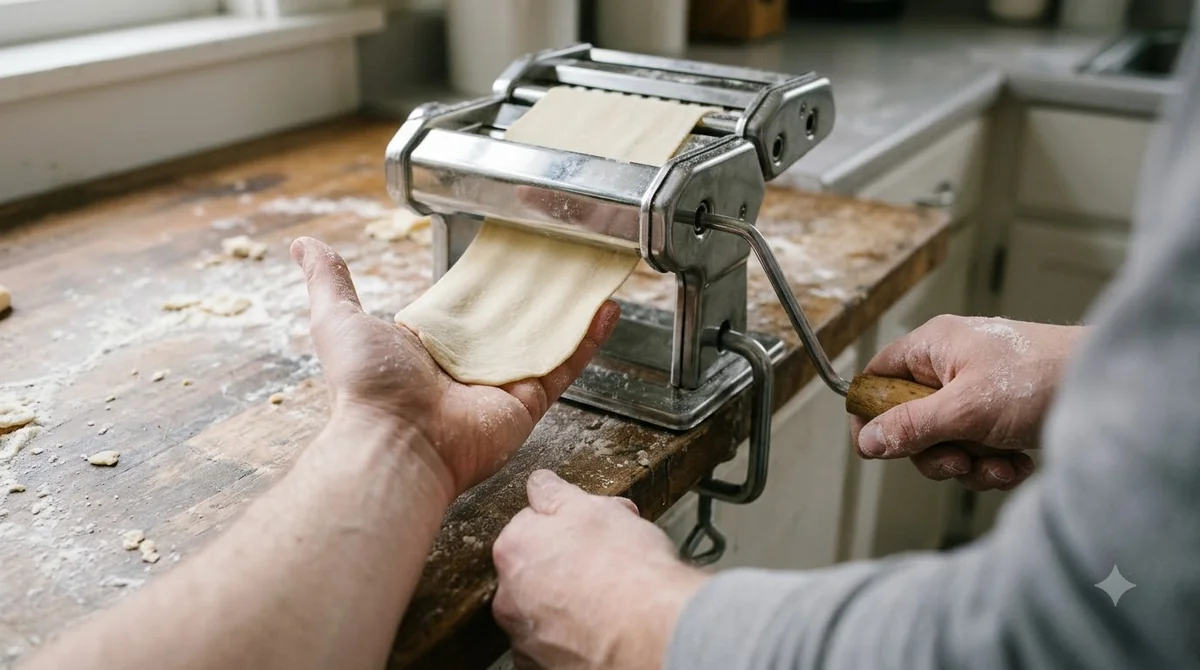

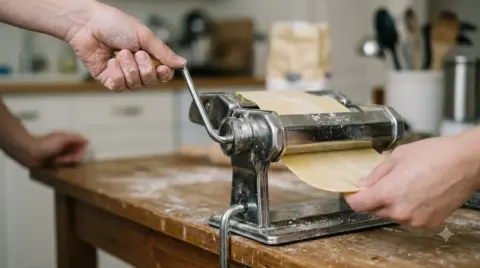
The marcato atlas 150 is a hand-crank pasta machine that rolls dough from about 4.8 mm down to 0.5 mm across ten numbered settings. It clamps to a work surface, so it needs no motor and no outlet. This guide covers what comes in the box, how the settings work and who should buy it.
Choose the marcato atlas 150 if you want a simple, manual roller for fresh pasta at home. Skip it if you want a motor that feeds the dough for you.

MARCATO Atlas 150 Machine, Made in Italy, Red
Pros & ConsViewHide
Reasons to buy
- Made in Italy hand-crank pasta machine rolling dough in steps
- Includes a pasta cutter and hand crank
- Fits Marcato attachments and the optional motor
Reasons to avoid
- Only rolls and cuts the sheet; tortellini are still shaped by hand
- Takes more counter and storage space than a hand cutter
- Fixed to a countertop edge, so check clamp room
What the Marcato Atlas 150 Is
The marcato atlas 150 is a manual pasta roller and cutter that you turn with a crank. It belongs to the Atlas family, which also includes a 180 width, roller and slide versions, and motorised models. This page covers the standard hand-crank 150 only, because the maker’s booklet treats the motor and slide versions separately.
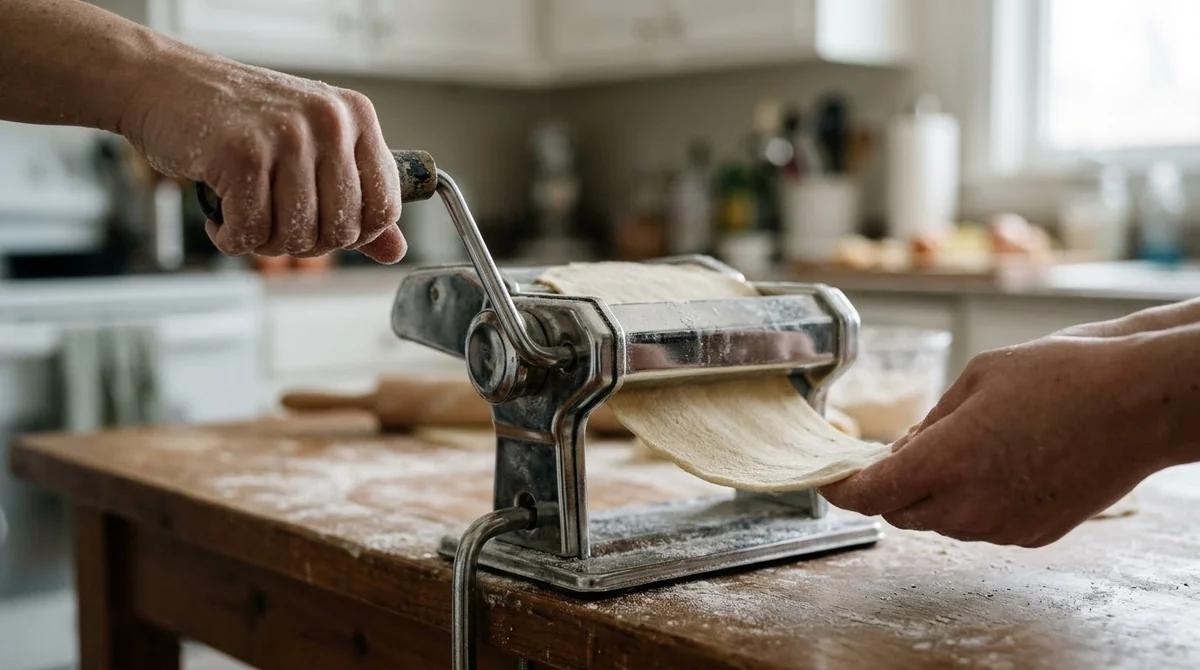
One booklet covers several machines, so check the model name on the box before you follow a setting from it. A motor model needs its motor unit, and a slide model needs the slide fitted in its guides. Neither part is needed for the basic hand-crank use described here, and the marcato atlas 150 works without them.
The machine is built around two rollers that squeeze dough into a thinner sheet with each pass. The rollers turn together when you crank, so the sheet comes out evenly as long as you feed it straight and keep the edges floured.

What Comes in the Box and How It Is Set Up
The standard marcato atlas 150 package includes the machine body, a crank, a clamp and the instruction manual. You fix the clamp to the table through its hole, insert the crank and turn it clockwise, as the maker’s steps describe. Check the clamp grip before every session, because a loose clamp is the first thing to undo when you start cranking.
The booklet asks for a first-use step: wipe the rollers with a damp cloth, then pass a small piece of dough through them and discard it. Do this once before the first real batch so the first sheet you keep comes from clean rollers.
- Clamp the machine to the work surface.
- Insert the crank and turn it clockwise.
- Wipe the rollers with a damp cloth, then run and discard a small piece of dough.
Thickness Settings From 0 to 9
The regulator runs from No. 0, which gives about 4.8 mm, to No. 9, which gives about 0.5 mm, according to the maker’s thickness chart. As of 2026-11-07, these are the figures printed in the Marcato booklet, and they are the source for every number on this page.
The booklet’s method is to pull the regulator out, set it to No. 0, fold the dough in half and pass it several times until the sheet is smooth. After that, pass the dough once at each number until you reach the thickness you want. Cut the sheet into pieces about 25 cm long and flour them lightly on both sides before you go on.
| Setting | Approximate sheet thickness |
|---|---|
| No. 0 | about 4.8 mm |
| No. 1 | about 3.7 mm |
| No. 2 | about 3.1 mm |
| No. 3 | about 2.4 mm |
| No. 4 | about 1.8 mm |
| No. 5 | about 1.5 mm |
| No. 6 | about 1.0 mm |
| No. 7 | about 0.8 mm |
| No. 8 | about 0.6 mm |
| No. 9 | about 0.5 mm |
Thin settings need more passes and more care with the dough, so a sheet at a middle number is often the practical choice for a first attempt. The chart gives the maker’s figures for each number. Your own sheet can differ, because dough moisture and how evenly you feed it both change the result.
Think of the chart as a planning tool rather than a promise. Thicker sheets, from the middle and lower numbers, hold up well under a sauce and suit wide, sturdy shapes. Thinner sheets, toward No. 7 to No. 9, give delicate shapes and noodles that cook quickly, but they tear more easily if the dough is too dry or the sheet is not floured.
Who the Marcato Atlas 150 Suits and Who Should Skip It
The marcato atlas 150 suits people who enjoy rolling pasta by hand and want a machine they can clamp, use and store without power. Its trade-off is effort: you turn the crank for every pass, so a large batch takes longer than it would with a motor.
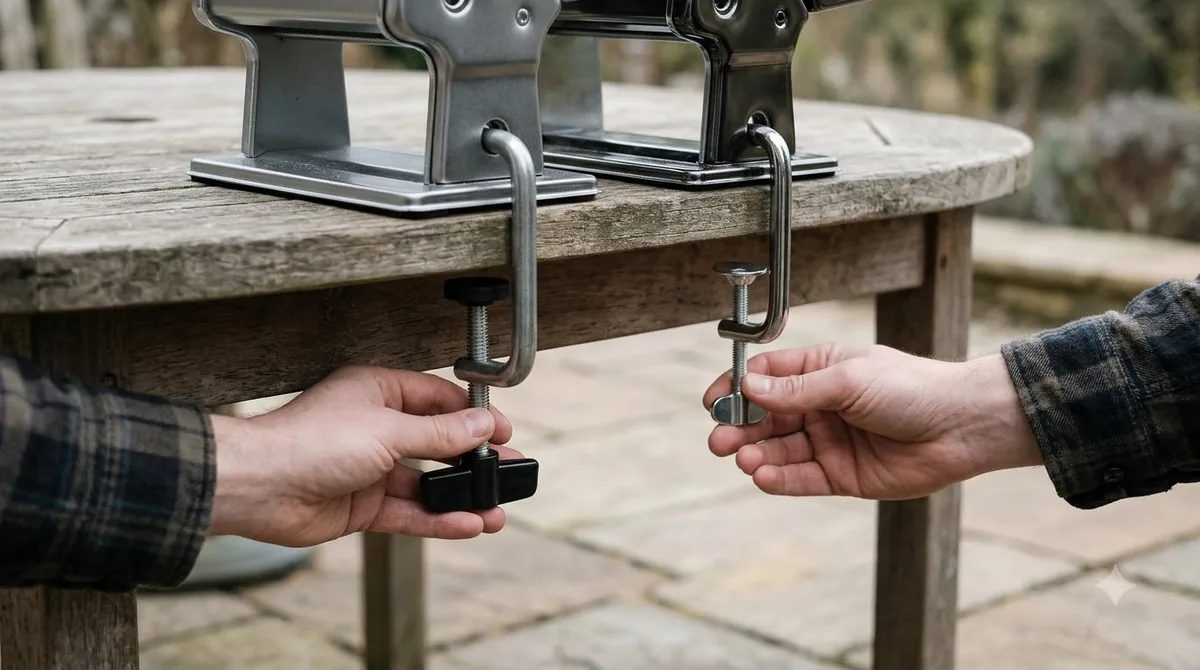
Buy it if you cook fresh pasta a few times a month, want control over each thickness, and have a stable table to clamp to. Skip it if you need to roll large batches often, have no table edge that can take a clamp, or want a hands-free machine. If you would rather let a stand mixer do the turning, read our KitchenAid pasta roller review.
- Good fit: occasional home cooks who like hands-on dough work.
- Good fit: cooks who want a simple machine with no motor or cord.
- Poor fit: anyone who needs to roll very large batches quickly.
- Poor fit: anyone who cannot clamp the machine to a sturdy surface.
Accessories and What You Can Cut
Cutting accessories turn a finished sheet into shapes such as tagliolini and fettuccine. The booklet lists a setting for each shape, so check the accessory table for the exact number before you cut.
To cut, move the crank to the cutting-roller hole and pass the sheet through. Keep the sheet floured so it does not stick, and cut only the shapes listed for your machine model. Accessory fit varies by model, so confirm compatibility against the box or the booklet before you buy any cutter for the marcato atlas 150. Our guide to Marcato Atlas 180 attachments covers the wider machine.
Care, Cleaning and Warranty
The marcato atlas 150 should not be washed in water or a dishwasher. The booklet says to wipe the machine and accessories with a cloth and brush the rollers instead.
The cutting-roller combs can be removed for a deeper clean, and then refitted in reverse order. If the rollers squeak, the booklet recommends a few drops of food-contact Vaseline oil at the roller ends. For manual models, Marcato offers 10 years of assistance against manufacturing defects, but the warranty does not cover damage from misuse. Motorised models, the Atlasmotor and Ampiamotor, have a shorter 2-year term.
For the full steps and the maker’s own wording, read Marcato’s instruction booklet, which lists the thickness chart, cleaning steps and warranty terms in one place.
Buying Checklist Before You Order
Before you buy, confirm the model number, the thickness range and the accessory list, because the Atlas family includes several machines with different features. Retailer listings give conflicting weights and dimensions for the marcato atlas 150, so check the size on the seller’s page before you plan counter space. If you are still choosing, compare the Imperia pasta machine and the wider Marcato pasta machine range.
This guide does not confirm current prices, sale dates or shipping times for the marcato atlas 150, because those change often and the maker’s booklet does not list them. Check the seller’s page on the day you buy, and compare the model number on the box with the one in the booklet.
- Confirm the model: hand-crank Atlas 150, not a motor or slide version.
- Check the thickness range against the chart above.
- Confirm the cutting accessories you want are listed for that model.
- Measure your table edge, because the clamp must grip a sturdy surface.
Frequently Asked Questions
What does the marcato atlas 150 come with?
The standard package includes the machine body, a crank, a clamp and the instruction manual. Cutting accessories are a separate purchase for many buyers, so check the listing for exactly what is included.
What is the thinnest setting on the Atlas 150?
The thinnest setting is No. 9, which the maker’s chart places at about 0.5 mm. Reach it by passing the dough once at each number from No. 0 until you get the thickness you want.
Can I wash the marcato atlas 150 in water?
No. The booklet says not to wash the machine or accessories in water or a dishwasher. Use a cloth and a brush instead, and remove the cutting-roller combs for a deeper clean.
Does the marcato atlas 150 have a warranty?
Manual models carry 10 years of assistance against manufacturing defects, according to the booklet. Motorised Atlasmotor and Ampiamotor models have a 2-year term, and the warranty does not cover damage from misuse.
Can the marcato atlas 150 roll sheets for lasagna?
Yes, the rollers produce flat sheets at each setting, and you can cut those sheets to the size of your dish. The booklet’s accessory section covers cut shapes, so use it for the exact cutting number rather than guessing.
Does the marcato atlas 150 need oil?
Only if the rollers squeak. The booklet suggests a few drops of food-contact Vaseline oil at the roller ends, which is a light fix rather than routine maintenance.
If you want fresh pasta on a regular basis and enjoy the hand-crank routine, the marcato atlas 150 is a straightforward choice. Check the model number and the accessory list first, and fit it to a table you can clamp safely. Keep the booklet nearby while you learn the settings, and return to the thickness chart whenever a recipe calls for a specific sheet.
 5 min readReviews & VersusMarcato Pasta Maker Review: Is the Atlas 150 Worth It?Updated Nov 13, 2026
 8 min readReviews & VersusMarcato Pasta Machine: Complete Guide to Models and SettingsUpdated Nov 15, 2026
 7 min readReviews & VersusMarcato Atlas 180 Pasta Machine: Specs, Shapes and Buying TipsUpdated Nov 16, 2026
 9 min readReviews & VersusMarcato Regina: Specs, Shapes and Who It SuitsUpdated Nov 16, 2026
 8 min readReviews & VersusGozney Dome: Specs, Price and Who It SuitsUpdated Nov 15, 2026
 8 min readReviews & VersusGozney Roccbox: Specs, Fuel, Who It Suits and What to KnowUpdated Nov 15, 2026