
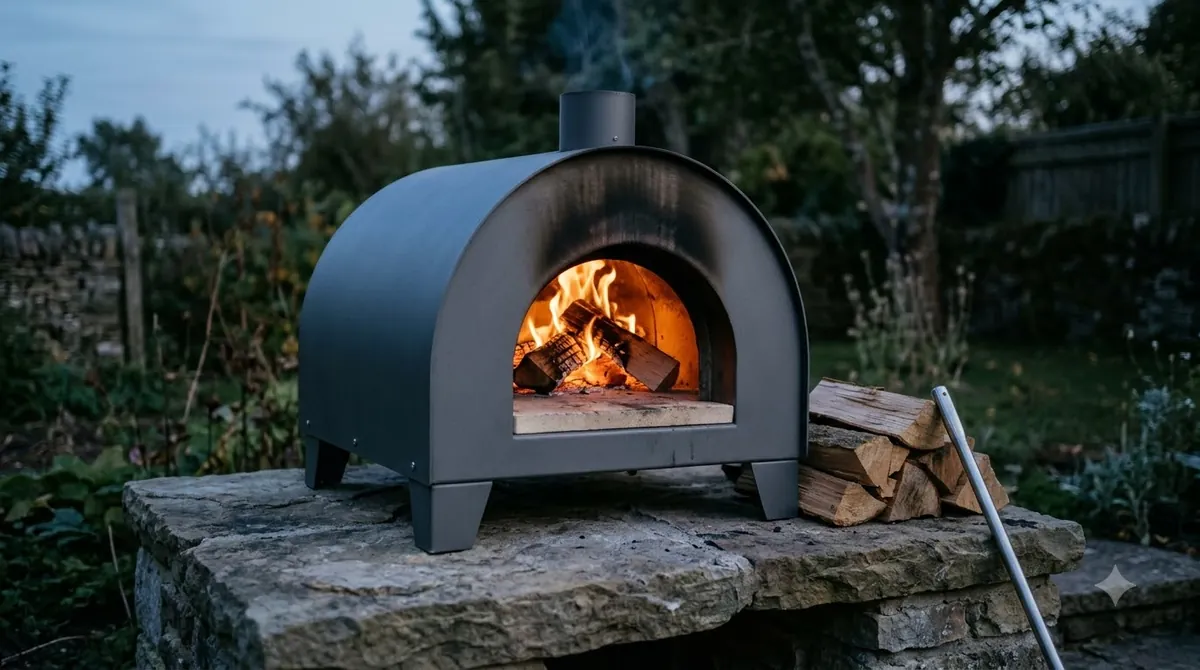

The Ooni Karu 2 temperature peaks at 500°C (932°F), and Ooni says the oven gets there in about 15 minutes. The Karu 2 is a 12-inch multi-fuel outdoor oven, so these figures apply to that model and not to other Karu models, including the Karu 2 Pro.
Stone temperature, fuel limits and a 30-minute burn-in matter as much as the peak number. Check the model name on your oven before you use any Ooni Karu 2 temperature figure in this guide.
Ooni Karu 2 Temperature: How Hot Does It Get?
The Ooni Karu 2 reaches a maximum of 500°C (932°F), and Ooni states it takes about 15 minutes to get there.
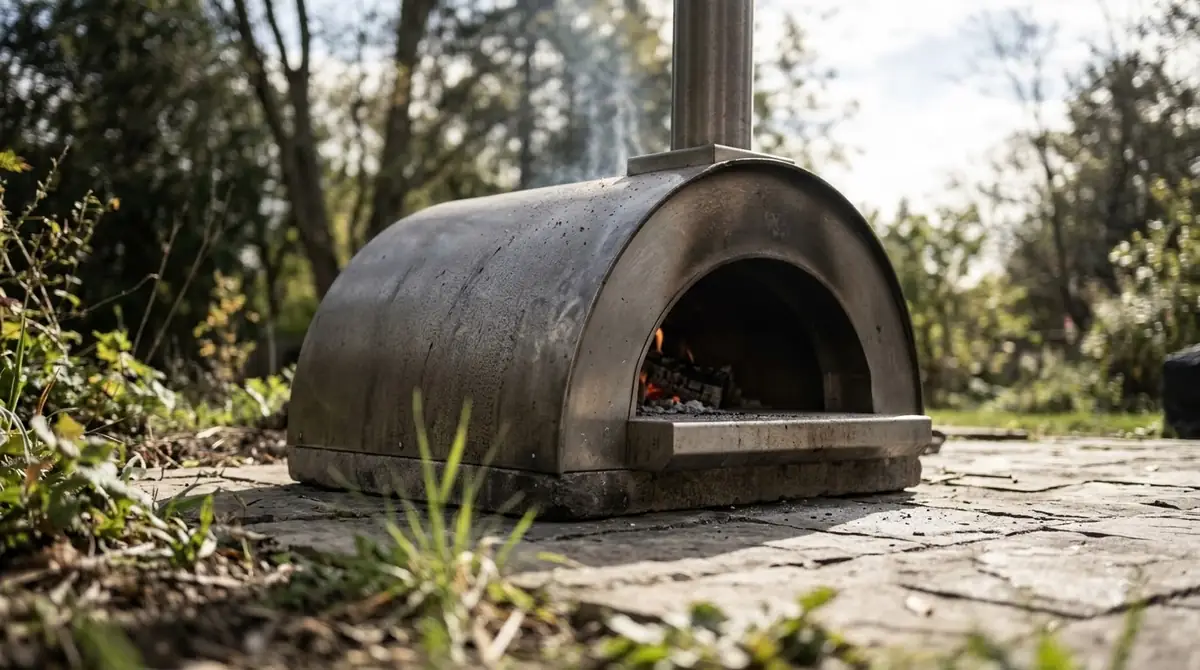
Ooni’s Karu 2 product page gives the top figure as 500°C and quotes the heat-up as “only 15 minutes to that all important 500°C.” The page gives no separate Fahrenheit maximum for the Ooni Karu 2 temperature, so the 932°F figure is a direct conversion of 500°C. The official pages give one heat-up time for the Karu 2 and do not break it down by fuel, so treat 15 minutes as the starting point rather than a guarantee.
Ooni’s Karu comparison table adds that the Karu 2 has a temperature range of 210°F to 950°F and a 15-minute heat-up time. That 950°F figure sits slightly above the 932°F conversion of 500°C, so use 500°C as the headline top figure. The same table lists a maximum pizza size of 12 inches and room for one 12-inch pizza at a time, so the Ooni Karu 2 temperature at the stone matters between every bake. The ClearView borosilicate glass door lets you watch the pizza while it cooks, and the Ooni Karu 2 dimensions cover the footprint.
The Karu 2 Pro is a different oven. Ooni’s Karu 2 Pro page says it reaches 950°F / 500°C in 15 minutes, so the peak is similar, but the model, size and controls differ. If your oven is labelled Karu 2 Pro, use that model’s figures instead of the ones above, and read the Ooni Karu 2 Pro manual guide.
Stone Temperature Before Cooking
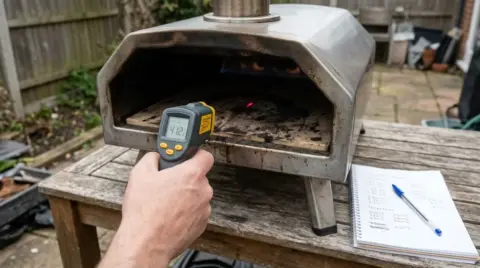
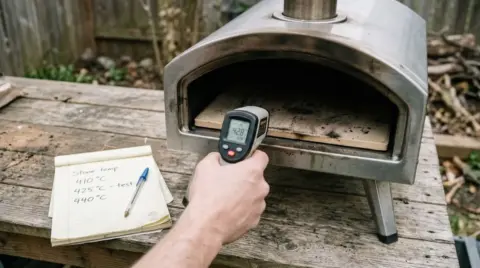
Ooni’s Karu 2 tools guide says the baking stone should be at least 750°F / 400°C before cooking, checked with an infrared thermometer. For the base of a pizza, the stone reading matters more than the air reading when you judge the Ooni Karu 2 temperature.
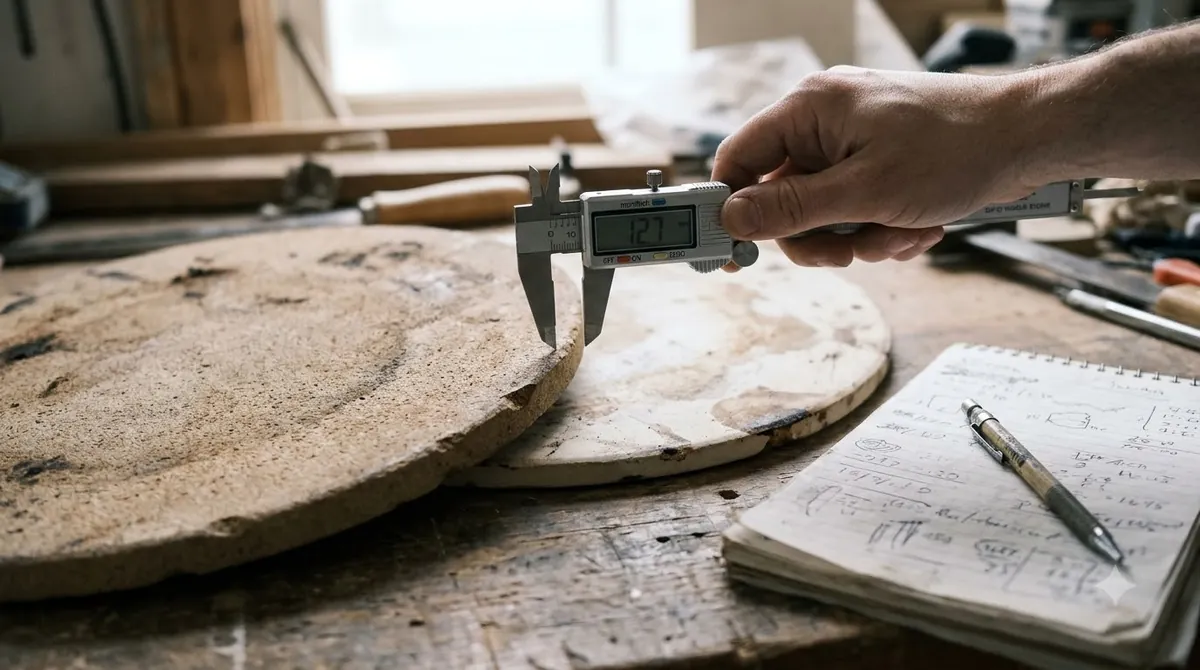
To check the stone before your first pizza, follow these steps:
- Light the oven and let the fuel build a coating of ash.
- Aim the infrared thermometer at the surface of the stone.
- Wait until the stone reads at least 750°F / 400°C before you launch the pizza.
For a second pizza, Ooni’s cook guide says to let the stone return to 715°F to 850°F (380°C to 450°C) before you launch. That range is the Ooni Karu 2 temperature to aim for between bakes, so the stone has time to recover after the first pizza.
Built-In and Infrared Thermometers
Ooni lists an integrated thermometer as a Karu 2 feature that lets you check the internal temperature more easily. That reading describes the oven, so use an infrared thermometer, which Ooni lists as an accessory, to read the Ooni Karu 2 temperature at the stone surface before you launch a pizza. The tools page shows the infrared thermometer with no usage instructions, so aim it at the stone and not at the air above it.
The Karu 2 Pro works differently. Ooni’s Pro page describes a front-mounted display called the Digital Temperature Hub, which can send readings to the Ooni app over Bluetooth. That feature belongs to the Pro model, so do not assume it on the Karu 2.
Fuel Limits and Gas Burner Use
Your fuel choice sets how you run the Ooni Karu 2 temperature in practice. The Karu 2 takes dry hardwood and cooking-suitable charcoal, and solid fuel and gas cannot run at the same time, according to Ooni’s manual and tools guide. The limits below come from those sources.
| Fuel | Limit from the official source |
|---|---|
| Wood | Dry, untreated hardwood up to 15 cm long and 4 cm in diameter; no more than 0.4 kg added at one time; no more than 0.5 kg in the tray |
| Charcoal | Only charcoal suitable for cooking; do not cook until the fuel has a coating of ash |
| Gas | Gas Burner for Karu 12 and Karu 2 with a propane tank; do not use non-compatible gas burners |
| Solid fuel and gas together | Cannot be used at the same time |
The official pages list no Fahrenheit or Celsius figure for each fuel on the Karu 2, so the table shows limits, not temperatures. Check the manual’s fuel section before you buy fuel, because the limits apply to every cook, and see Ooni Karu 2 charcoal for that fuel.
Burning In the Oven Before the First Cook
Ooni’s Karu 2 manual says to keep the fuel red hot for at least 30 minutes before the first cook, and not to cook until the fuel has a coating of ash. This burn-in lets the Ooni Karu 2 temperature settle, so the stone can reach the target range before the first pizza.
- Light the oven using the manual’s lighting instructions, or follow our guide on how to light the Ooni Karu 2.
- Keep the fuel red hot for at least 30 minutes.
- Wait for an ash coating, then check the stone reaches 750°F / 400°C.
Shutting Down After a Cook
Let the fire burn down on its own and leave the oven to cool. The manual says not to remove ashes until the oven has cooled completely, and to make sure all embers are out before you store it.
Reading the Ooni Karu 2 temperature across the stone
A single Ooni Karu 2 temperature reading in the middle of the stone can hide a hot spot or a cool edge. Sweep the infrared thermometer slowly across the surface, and watch the gap between the lowest and highest readings. A small gap means the stone is even enough for a steady bake. A large gap means the stone needs more time, or that the fire sits closer to one side of the oven.
Rotate the pizza during the bake, and launch onto the part of the stone that reads closest to your target. Use the same aim point every time, so your readings stay comparable from one pizza to the next. If you cook several pizzas in a row, check the reading again before each launch rather than trusting the first one.
Keeping the temperature steady during a cook
Add fuel in small amounts to hold the Ooni Karu 2 temperature steady, rather than building the fire all at once. The manual limits how much wood to add at one time, and the table above lists the limits. Adding a little at a time keeps the flame steady and avoids a surge that overshoots the stone target.
Each time you open the door or launch a pizza, heat escapes and the Ooni Karu 2 temperature at the stone dips. Plan for that dip. After each pizza, wait for the stone to climb back into the range Ooni gives for the second bake before you launch again, and keep the door closed except when you need to turn or remove the pizza.
Common Ooni Karu 2 temperature mistakes
- Cooking before the ash coating. The manual says not to cook until the fuel has a coating of ash, so a bright fire with no ash is not ready, even if the air feels hot.
- Treating the air reading as the stone reading. The built-in thermometer describes the oven, and the base of the pizza needs the stone reading.
- Using Karu 2 Pro figures on a Karu 2. The two models have different features, so check the model name before you follow any figure in this guide.
- Adding more fuel to speed up the stone. Extra fuel does not guarantee a faster heat-up, and too much at once can push the fire past the limits in the manual.
If the stone stays cool after the full burn-in, check the fuel first. Dry hardwood of the right size and an ash bed that is not clogged are the two most common reasons a stone heats slowly, so inspect both before you change anything else. The manual is the reference for any cleaning or airflow step.
Frequently Asked Questions
What is the Ooni Karu 2 temperature at its maximum?
The Ooni Karu 2 reaches a maximum of 500°C (932°F), according to Ooni’s Karu 2 product page. Ooni says the oven gets there in about 15 minutes. Check the manual for your own unit before you cook.
What stone temperature should I reach before cooking pizza?
Ooni’s tools guide says the baking stone should be at least 750°F / 400°C before cooking, checked with an infrared thermometer. For a second pizza, let the stone return to 715°F to 850°F (380°C to 450°C) before you launch.
Is the Ooni Karu 2 temperature the same as the Karu 2 Pro?
No. Ooni’s Karu 2 Pro page gives 950°F / 500°C in 15 minutes and describes a front-mounted temperature display. That makes it a different oven from the 12-inch Karu 2, so check the model name before you use any figure.
Can I cook with gas on the Karu 2?
Yes, with Ooni’s Gas Burner for Karu 12 and Karu 2 and a propane tank. Ooni’s tools guide says solid fuel and gas cannot be used at the same time on the Karu 2, so choose one fuel for each cook.
Why does the stone temperature drop between pizzas?
Each launch and each time the door is opened lets heat escape, so the Ooni Karu 2 temperature drops, and the stone takes time to recover. Ooni’s cook guide gives 715°F to 850°F (380°C to 450°C) as the range to aim for before the second pizza, so check the reading again before you launch.
How long should I burn the Karu 2 before the first pizza?
Ooni’s Karu 2 manual says to keep the fuel red hot for at least 30 minutes before the first cook. Wait for an ash coating before you cook, and check the stone reading before launching.
Confirm which model you own before you use any Ooni Karu 2 temperature figure here, because the Karu 2 and Karu 2 Pro have different specifications. Use the stone reading as your cooking cue, and keep the 30-minute burn-in before your first cook. When the stone is ready, try the Ooni Karu 2 recipes.
 8 min readBy Use & ModelOoni Karu 16 Temperature: Max Heat, Cooking Targets and Fuel LevelsUpdated Nov 10, 2026
 8 min readBy Use & ModelOoni Koda 2 Max Temperature: Max Heat, Preheat Time and Stone ChecksUpdated Nov 7, 2026
 9 min readBy Use & ModelOoni Koda 2 Pro Temperature: Max Heat and How to Check ItUpdated Nov 7, 2026
 8 min readBy Use & ModelOoni Volt 2 Temperature: Range, Presets and Safety LimitsUpdated Nov 8, 2026
 7 min readBy Use & ModelOoni Karu 2 Charcoal: Simple Fuel, Lighting and Heat GuideUpdated Nov 8, 2026
 7 min readBy Use & ModelOoni Fyra 12 Temperature: Max Heat, Heat-Up Time and ControlUpdated Nov 7, 2026