


The Ooni Koda 2 Pro temperature ceiling is 500 °C (950 °F) on the cooking stone, according to Ooni’s own getting-started guide. The stone is 18 inches across, and the oven is built for outdoor use with propane. Below you will find how the Temperature Hub helps you watch the heat and how to check the stone yourself, using only numbers checked against Ooni sources.
Ooni Koda 2 Pro Temperature: The Maximum Heat
The top stone temperature is 500 °C (950 °F). Ooni’s getting-started page says the Koda 2 range “can deliver up to 500 °C / 950 °F,” and the same page gives a footnote that the figure applies to the Koda 2 range in general.
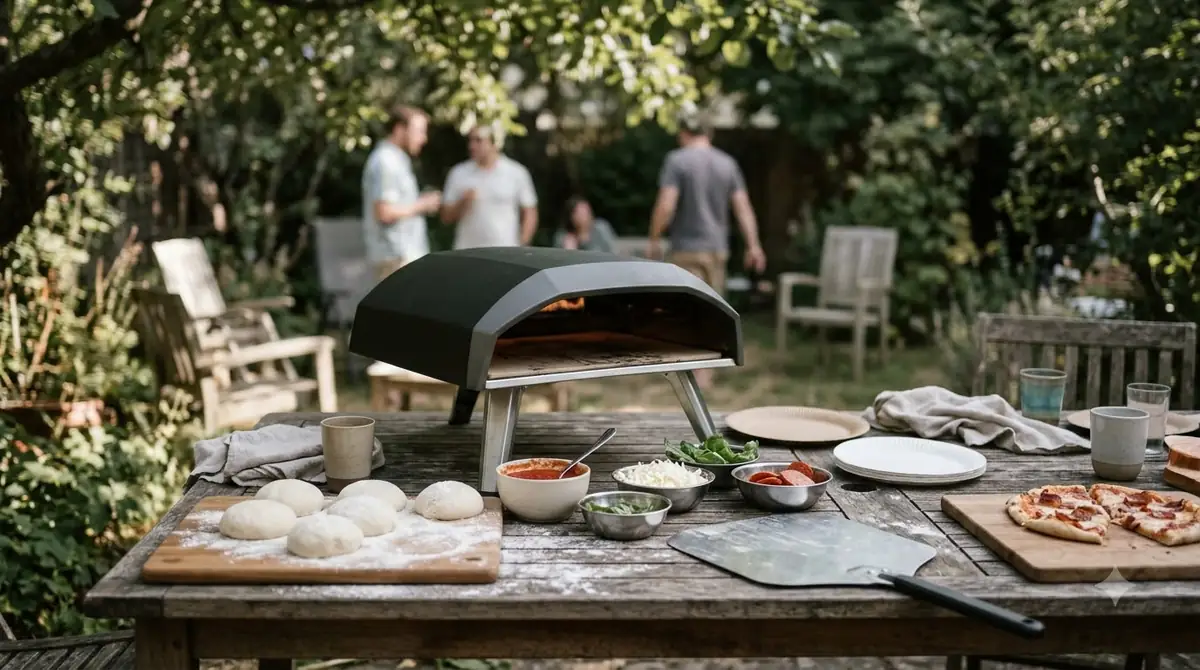
Ooni also claims that a pizza can cook in as little as 60 seconds at this heat. That is a manufacturer claim. It depends on the dough, the topping load and how hot the stone is at the moment the pizza goes in, so you should treat it as a best case rather than a timer setting.
A maximum figure tells you what the Ooni Koda 2 Pro temperature can reach, not what you should cook at every time. Most home cooks will run the stone at a lower setting for thicker bases and keep the highest settings for thin crusts. Use the maximum as a ceiling to know your oven’s headroom, then choose the setting that gives the crust colour and texture you want. The larger gas model works differently, with two independent burners and its own preheat guidance, which Koda 2 Max heat and preheat explains.
The lowest setting is a different matter. Online product listings and retailer pages give conflicting minimum values for this model. We could not open the official product page to confirm which one is right, so this guide does not publish a minimum temperature. Check the printed manual that came with your oven, or contact Ooni support with your serial number, before you rely on any low-end figure.
How to Track Ooni Koda 2 Pro Temperature With the Temperature Hub
The Koda 2 Pro comes with Ooni’s Connect Digital Temperature Hub and a digital food probe. The hub pairs with the oven and works with the Ooni app to show oven and probe temperatures and to send temperature alerts.
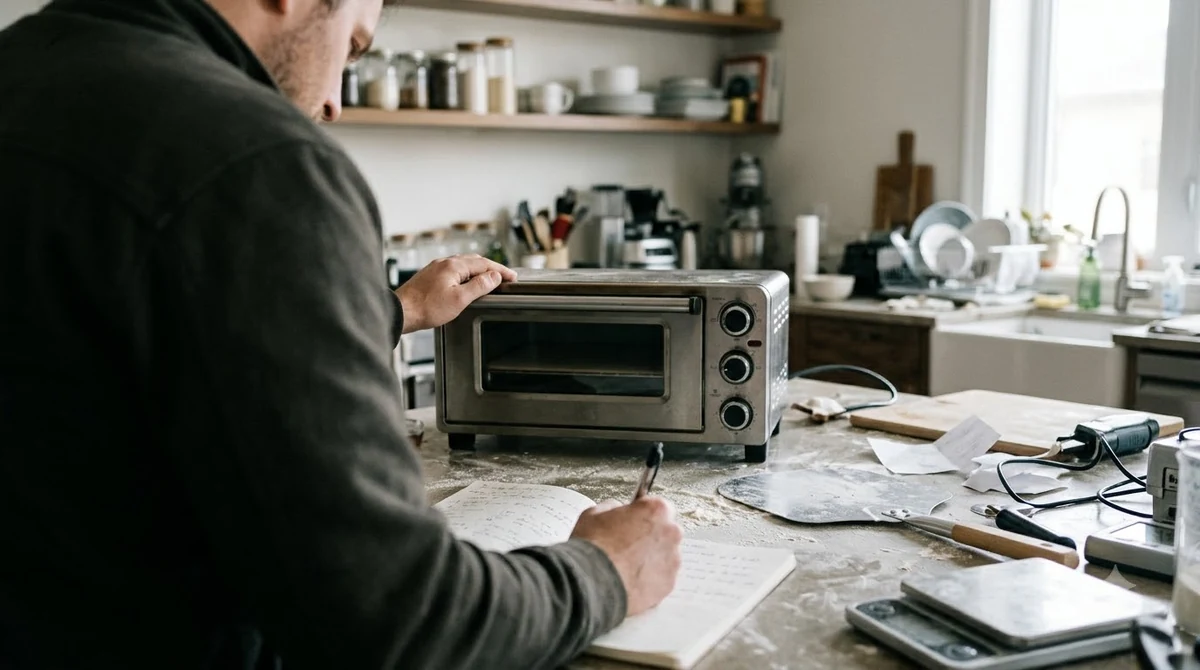
Ooni’s getting-started page lists these functions for the hub:
- Pairs with the Koda 2 Pro so you can read oven temperature from your phone.
- Shows the probe temperature, which the page says is for making sure meats reach the right internal temperature.
- Sets alerts in the app so you know when the oven or probe reaches a value you chose.
The page does not give the hub’s own operating range or accuracy. It refers to a setup video for the pairing steps, so follow that video and the app instructions when you first connect. Keep the hub and probe away from direct flame, and read the probe’s own guidance before you insert it.
The Koda 2 Pro manual (the version for the 30, 37 and 50 mbar models) adds the hub’s limits. The hub reads cooking temperatures between -30 °C (-22 °F) and 550 °C (999 °F) and food probe temperatures between 0 °C (32 °F) and 100 °C (212 °F), and the display shows Hi or Lo outside those ranges. The food probes are suitable for temperatures up to 250 °C (480 °F), so keep the Ooni Koda 2 Pro temperature readout and the probe reading separate in your head.
Using the app’s readings together with an infrared thermometer gives you two points of reference. If the two disagree by a lot, trust the reading you have checked against a second method rather than the one that looks most convenient.
Fuel Setup and Flame Control
The Koda 2 Pro is a gas oven that Ooni says is optimized for propane; if you are weighing other fuel options, read about Ooni Koda 2 Pro natural gas. The European version of the getting-started page gives the pressure options and the hose details, which are easy to miss when you buy the oven.
The oven has an adjustable gas knob. Ooni says this knob lets you fine-tune the flame and hold a steady Ooni Koda 2 Pro temperature. For a gas oven, that matters more than the maximum: steady heat is what gives an even bake from one pizza to the next.
| Item | What the source says | Status |
|---|---|---|
| Maximum stone temperature | 500 °C / 950 °F | Checked on Ooni’s page |
| Stone size | 18 inches | Checked on Ooni’s page |
| Fuel | Optimized for propane | Checked on Ooni’s European page |
| Regulator kit, 50 mbar model | Hose and regulator included | Checked on Ooni’s European page |
| Regulator kit, 30 or 37 mbar model | Hose and regulator bought separately | Checked on Ooni’s European page |
| Pizza diameter | The European page says up to 14 inches; the product is marketed as 18 inches | Sources conflict, check the manual |
| Minimum temperature | Listings differ | Not verified |
The table shows which Ooni Koda 2 Pro temperature facts we could check and which we could not. Read the pressure rating printed on your regulator and the model label on the oven before you order any parts, because the hose and fitting depend on it.
Why Temperature Stability Matters
The Ooni Koda 2 Pro temperature is really three readings: the air above the stone, the stone itself, and the walls. Gas ovens can swing in temperature when the flame changes, and a big swing means the crust can burn on one side while the top is still pale.
For the Ooni Koda 2 Pro temperature stability, Ooni says its G2 gas system reduces fluctuation from 360 °F (180 °C) down to 110 °F (45 °C), and that the figure compares the Koda 16 with the Koda 2 Pro (see how hot the Ooni Koda 16 gets for that older oven). This is a manufacturer claim based on its own test. It is useful as a direction, but it does not tell you what your own kitchen or yard will see on a windy day.
Ooni also says the stone heats 25% faster than the older model, with the footnote comparing the Koda 12 to the Koda 2. Again, this is the company’s measurement, so compare it with your own timing rather than taking it as a fixed number.
- Preheat at full power until the stone is fully hot, then check it with an infrared thermometer.
- Set the gas knob to a level you can hold, rather than chasing the top setting.
- Measure the stone surface with an infrared thermometer if you have one, and note the reading with the time.
- Cook one pizza, check the base, then adjust the knob to correct the Ooni Koda 2 Pro temperature for the next one.
Before the first cook, the manual says to season the oven by running it at top temperature for 30 minutes, then turn it off, let it cool completely and wipe the inside with dry paper towels. For cooking, it says to turn the burner on at full power and preheat the oven and pizza stones until they reach your desired temperature, with no fixed number of minutes. It adds that the stones heat up more slowly than the air inside the oven, so use an Ooni Digital Infrared Thermometer together with the hub to keep the stone and air temperatures within a close range. The Ooni Koda 2 Pro temperature on the stone is the one that bakes the base.
Placement affects heat as well. The manual says to keep the oven 1 m (40 inches) from any structure or combustible material, with the mouth facing away from the wind. Only pizza and other dry, bread-based dishes go directly on the stones; use Ooni cast iron or other Ooni-approved cookware for meat and vegetables. For the oven’s footprint, see the Ooni Koda 2 Pro dimensions.
Which Ooni Koda 2 Pro Temperature Details Are Not Verified Yet
Some numbers you will see online for this oven could not be confirmed from a page we read. Treat these as open questions, not facts.
- The minimum operating temperature. Listings disagree, so check the manual.
- The correct pizza diameter. The European page and the product listing do not match.
- The exact heat-up time from cold. Ooni gives a faster-stone claim, not a fixed time in minutes; see how long the Ooni Koda 2 takes to heat up for the standard Koda 2 timing.
- Target temperatures for specific pizza styles. Ooni support pages may give these, but we could not read them.
To check any of these, start with the printed manual that came in the box (our Ooni Koda 2 Pro manual guide summarizes it), then the model label on your oven, then Ooni’s support centre. If you bought from a retailer, their product page may have a spec sheet tied to your exact model and regional version.
Frequently Asked Questions
What is the Ooni Koda 2 Pro temperature maximum?
Ooni’s getting-started page gives a maximum stone temperature of 500 °C (950 °F) for the Koda 2 range, so the Ooni Koda 2 Pro temperature ceiling is the same figure.
How can I read the Ooni Koda 2 Pro temperature?
The oven includes the Ooni Connect Digital Temperature Hub and a digital food probe. The hub connects to the Ooni app to show oven and probe temperatures and to set alerts.
Is the Koda 2 Pro safe to use indoors?
No. Ooni says the oven is built solely for outdoor use. Keep it in a well-ventilated outdoor space and follow the safety notes in the manual.
Which gas does the Koda 2 Pro use?
Ooni’s European page says the oven is optimized for propane. Check your regulator’s pressure rating against the model you bought before you connect it.
Why does my pizza burn on one side with the Ooni Koda 2 Pro temperature set high?
Uneven heat from the flame, a stone that has not fully preheated, or a pizza left in one spot too long are the usual causes. Use the gas knob to hold a steady level, and turn the pizza partway through the bake.
Used with a steady flame and a fully heated stone, the Ooni Koda 2 Pro temperature stays easier to control, and the oven can give fast, consistent results. Before you cook, confirm the pizza diameter and the minimum setting in your own manual, and use the Temperature Hub alongside a second reading. Keep notes on the Ooni Koda 2 Pro temperature you used for each bake, so you can repeat a good bake and fix a poor one.
 8 min readBy Use & ModelOoni Koda 2 Max Temperature: Max Heat, Preheat Time and Stone ChecksUpdated Nov 7, 2026
 9 min readBy Use & ModelOoni Karu 2 Temperature: Max Heat, Stone Targets and Fuel LimitsUpdated Nov 8, 2026
 7 min readBy Use & ModelOoni Fyra 12 Temperature: Max Heat, Heat-Up Time and ControlUpdated Nov 7, 2026
 8 min readBy Use & ModelOoni Karu 16 Temperature: Max Heat, Cooking Targets and Fuel LevelsUpdated Nov 10, 2026
 8 min readBy Use & ModelOoni Koda 2 Pro Accessories: What Ooni Confirms and What to CheckUpdated Nov 15, 2026
 10 min readBy Use & ModelOoni Koda 2 Max Manual: What the Official Guide SaysUpdated Nov 6, 2026