
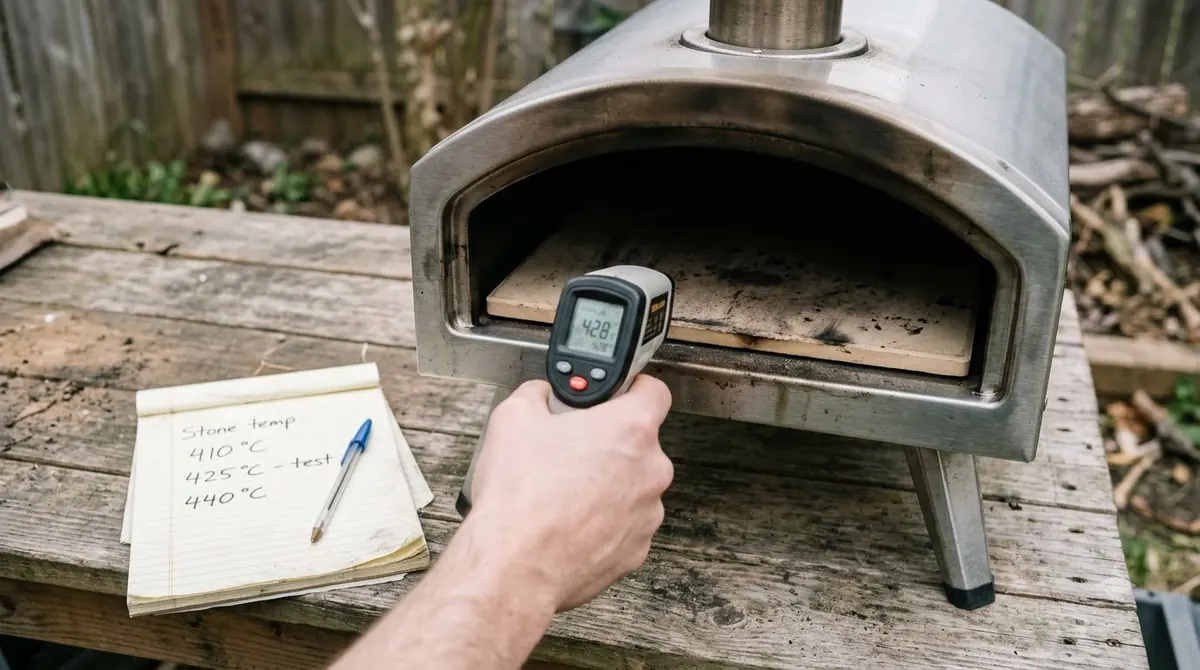

The Ooni Volt 2 temperature range runs from 70°F to 850°F, and each preset sets its own target. The Neapolitan preset uses 810°F with a 1:30 timer, while oven mode tops out at 480°F. Start with the preset that matches your food.
Pick the Ooni Volt 2 temperature preset that fits what you cook, then check the safety limits before you start. Meat and fatty foods must stay at or below 480°F, far below the pizza presets.
Follow the safety limits in the Ooni Volt 2 manual, since this article does not replace it.
Ooni Volt 2 Temperature Range and Presets
The Ooni Volt 2 temperature reaches 850°F at its maximum and 70°F at its lowest setting, with four pizza presets and two cooking modes.
Ooni’s Volt 2 getting started page lists the same 850°F maximum and 70°F minimum. The table shows the Ooni Volt 2 temperature target, adjustable range and timer for each preset, as set in the manual.
| Preset or mode | Target temperature | Adjustable range | Preset timer |
|---|---|---|---|
| Neapolitan | 810°F (430°C) | 710 to 850°F (375 to 450°C) | 1:30 |
| Thin & crispy | 660°F (350°C) | 570 to 700°F (300 to 370°C) | 4:30 |
| Pan pizza | 530°F (275°C) | 450 to 560°F (230 to 295°C) | 9:00 |
| Dough proofing | 90°F (30°C) | 70 to 100°F (20 to 40°C) | 2 hours |
| Oven mode | 360°F (180°C) | 210 to 480°F (100 to 250°C) | No preset timer |
| Broil/Grill | No preheat | Disabled | No preset timer |
Only the Neapolitan preset reaches the top of the range, so higher targets come from that preset alone. If your food needs a temperature outside a preset’s range, pick a preset whose range covers it, because the manual does not allow changes beyond the range. Wood-fired ovens build heat in a different way, as the guide to wood pizza oven temperature explains, so these numbers apply only to the electric Volt 2.
Each preset also sets a default crisping intensity. Neapolitan uses 5, thin and crispy and pan pizza use 3, and dough proofing has crisping disabled. The preset therefore decides how hard the top element works as well as how hot the oven gets. For dishes to try at each setting, see these Ooni Volt 2 recipes.
How Long the Volt 2 Takes to Heat and When It Is Ready
The manual gives no fixed preheat time for the Volt 2, so the heating indicator shows when the Ooni Volt 2 temperature target is reached on the stone.
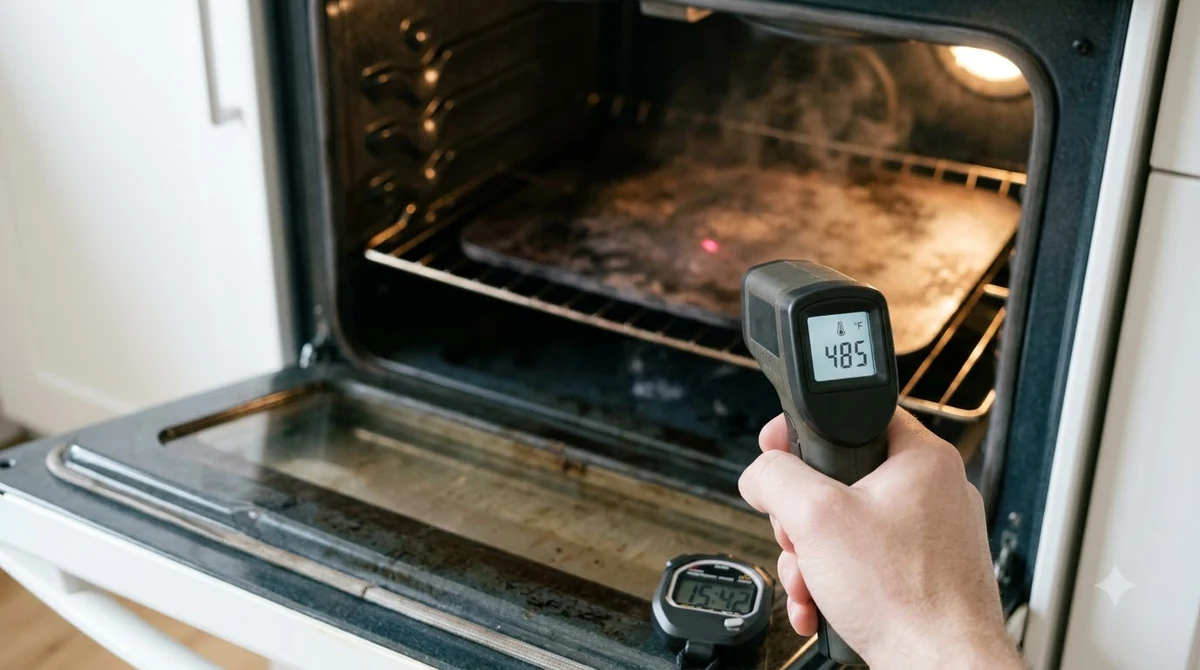
When you tap a preset, the target temperature flashes for 3 seconds and the oven starts heating. Press the control dial to start at once. The heating indicator then tells you the oven’s state:
- Pulsing indicator with the cavity light on means the oven is preheating.
- Constant indicator with the cavity light on means the target is reached and the oven is ready.
- Pulsing indicator with the cavity light off means the oven is cooling or in dough proofing mode.
Do not cook until the indicator is constant. The manual recommends an Ooni Digital Infrared Thermometer to measure the pizza stone temperature directly. Aim it at the stone, not the air above it, so the reading reflects the surface you cook on.
Because neither the manual nor the official getting started page gives a preheat time, treat any single figure from a retailer or review as an estimate rather than a manufacturer rule.
Temperature Limits for Meat and Fatty Foods
Meat and fatty foods must not go above 480°F (250°C) on the Volt 2, because grease can spontaneously ignite at high temperatures.
The warning appears in the Volt 2 assembly manual in both the safeguards and the cooking sections. The Ooni Volt 2 temperature in oven mode is capped at 480°F, which matches the limit for meat and fatty foods.
- Meat and fatty foods: keep the oven at or below 480°F (250°C).
- Pizza and other dry, bread-based dishes: cook them directly on the 10 mm Ooni pizza stone.
- Meat, vegetables and other dishes: use the oven shelf or Ooni pans, not the stone.
Keep oil and baking paper off the stone, and never use the oven without the stone in place. If the stone is damaged, read about an Ooni Volt 2 stone that has cracked before you cook again. If food or flour ignites inside the oven, do not open the door. Set the oven to standby and wait until it is completely cool before you touch it.
Changing Temperature Within a Preset
You can change the Ooni Volt 2 temperature only within the adjustable range of the preset you select, and the display confirms each new target.
- Tap the temperature button and rotate the control dial to set a new target.
- Press the dial to confirm at once, or wait for the new target to flash and confirm.
- Tap the crisping intensity button and choose a level from 0 to 5.
- Tap the timer button, rotate the dial, then press it to start.
Crisping intensity from 0 to 5 fine-tunes the top heating element, which controls how well your toppings cook. To keep a custom setup, tap and hold custom preset K or L for 3 seconds after you adjust a preset.
Timer changes work the same way. Press the dial to start the adjusted timer. If you do not press the dial, the adjusted timer returns to the preset value. The manual treats presets and timers as a guide, so keep watching the food and adjust or remove it as needed.
Seasoning Temperature and Neapolitan Boost
Season the Volt 2 at 850°F for 30 minutes before its first use, and use boost only on the Neapolitan preset for 90-second pizzas.
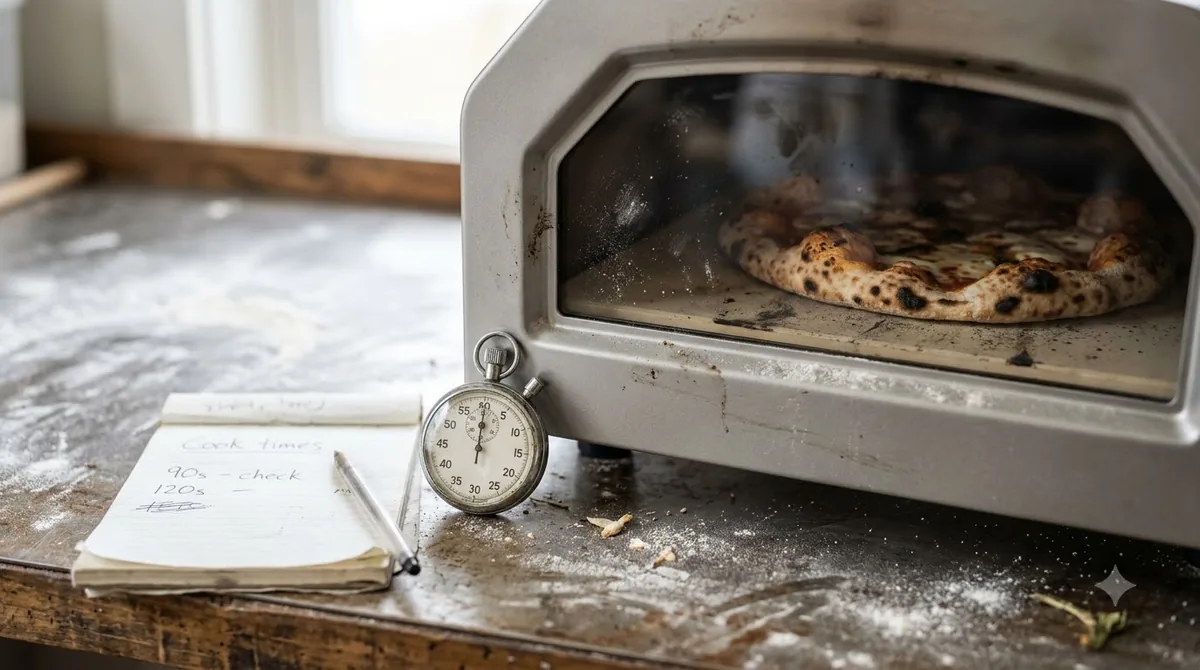
Seasoning comes first. Select the Neapolitan preset, set the Ooni Volt 2 temperature to 850°F (450°C) and let the oven run for 30 minutes. Then follow these steps:
- Tap the standby button and let the oven cool completely.
- Disconnect the power once it is cool.
- Wipe the inside with dry paper towels.
Boost sends extra heat through the top element, which the manual says delivers Neapolitan-style pizza in 90 seconds. Press and hold the control dial for 3 seconds. The boost ready light flashes for 30 seconds, then turns solid green when you can launch the pizza. Boost is unavailable for 3 minutes after use to prevent overheating.
Cooling, Standby and Over-Temperature Warnings
An Ooni Volt 2 temperature warning means the oven must cool before you cook again, and a hot oven cools for 30 minutes before it enters standby.
- Over-temperature warning: the Ooni Volt 2 temperature is above the target for the selected mode, so wait until it cools.
- Standby: power use drops to 0.7 W and the display goes blank.
- Automatic standby: after 2 hours with no interaction or active timer in cooking modes, or 14 hours in proofing mode.
- Power cut: do not touch the oven until it is completely cool.
Before you switch off or unplug the oven, press standby and wait 30 minutes so it cools. Clean the oven only after it is completely cool and unplugged, following the steps in how to clean the Ooni Volt 2.
Frequently Asked Questions
What is the maximum temperature on the Ooni Volt 2?
The Ooni Volt 2 temperature peaks at 850°F (450°C), and the official getting started page lists 70°F as the lowest setting. Only the Neapolitan preset uses the top of that range, so the highest targets come from that preset alone.
What temperature should Neapolitan pizza use on the Volt 2?
For Neapolitan pizza, the Ooni Volt 2 temperature starts at 810°F (430°C), with an adjustable range of 710 to 850°F and a 1:30 timer. Its default crisping intensity is 5, and you can change it between 0 and 5 during cooking.
Can you cook chicken at 850°F in the Volt 2?
No. For the Ooni Volt 2 temperature, the manual says not to cook meat or fatty foods above 480°F (250°C), because grease can spontaneously ignite at high temperatures. Use the oven shelf or Ooni pans for meat and vegetables, not the pizza stone.
Does the Volt 2 have a fixed preheat time?
No fixed preheat time for the Ooni Volt 2 temperature appears in the manual or on the official getting started page. Watch the heating indicator and wait until it turns constant with the cavity light on before you cook.
How do I check the pizza stone temperature?
The manual recommends an Ooni Digital Infrared Thermometer for the pizza stone. Aim it at the stone surface once the heating indicator is constant, then compare the reading with the Ooni Volt 2 temperature target for your preset.
Can I save my own temperature setting?
Yes. Adjust a preset’s temperature, crisping intensity or timer, then press and hold custom preset K or L for 3 seconds to save it.
Check the Ooni Volt 2 temperature preset and the 480°F limit before every cook, and let the oven finish heating before you add food. If the over-temperature warning appears, wait for the oven to cool rather than forcing another cook.
 9 min readBy Use & ModelOoni Karu 2 Temperature: Max Heat, Stone Targets and Fuel LimitsUpdated Nov 8, 2026
 8 min readBy Use & ModelOoni Volt 2 Recipes: Presets, Dough and Safe TipsUpdated Nov 7, 2026
 9 min readBy Use & ModelOoni Koda 2 Pro Temperature: Max Heat and How to Check ItUpdated Nov 7, 2026
 8 min readBy Use & ModelOoni Koda 2 Max Temperature: Max Heat, Preheat Time and Stone ChecksUpdated Nov 7, 2026
 8 min readBy Use & ModelOoni Karu 2 Pro Manual: Safety, Fuel and Lighting StepsUpdated Nov 8, 2026
 7 min readBy Use & ModelHow to Light Ooni Karu 2 Safely: Fuel, Warm-Up and Safety RulesUpdated Nov 8, 2026