
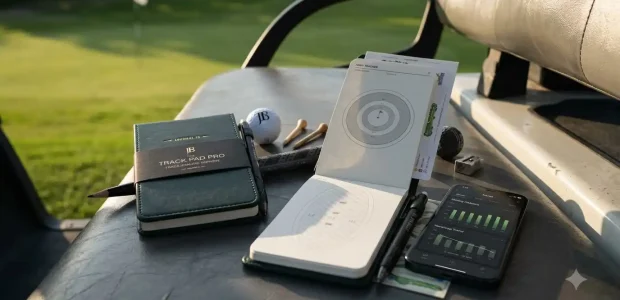

An AI golf scorecard scanner is a phone app that photographs a handwritten scorecard and uses image recognition to turn it into digital stats, stroke totals, and handicap-ready data in seconds. Golfers use these tools to skip manual entry after a round, and by late 2026 the category covers both standalone scanning apps and hybrid systems that pair a physical journal with an AI reader.
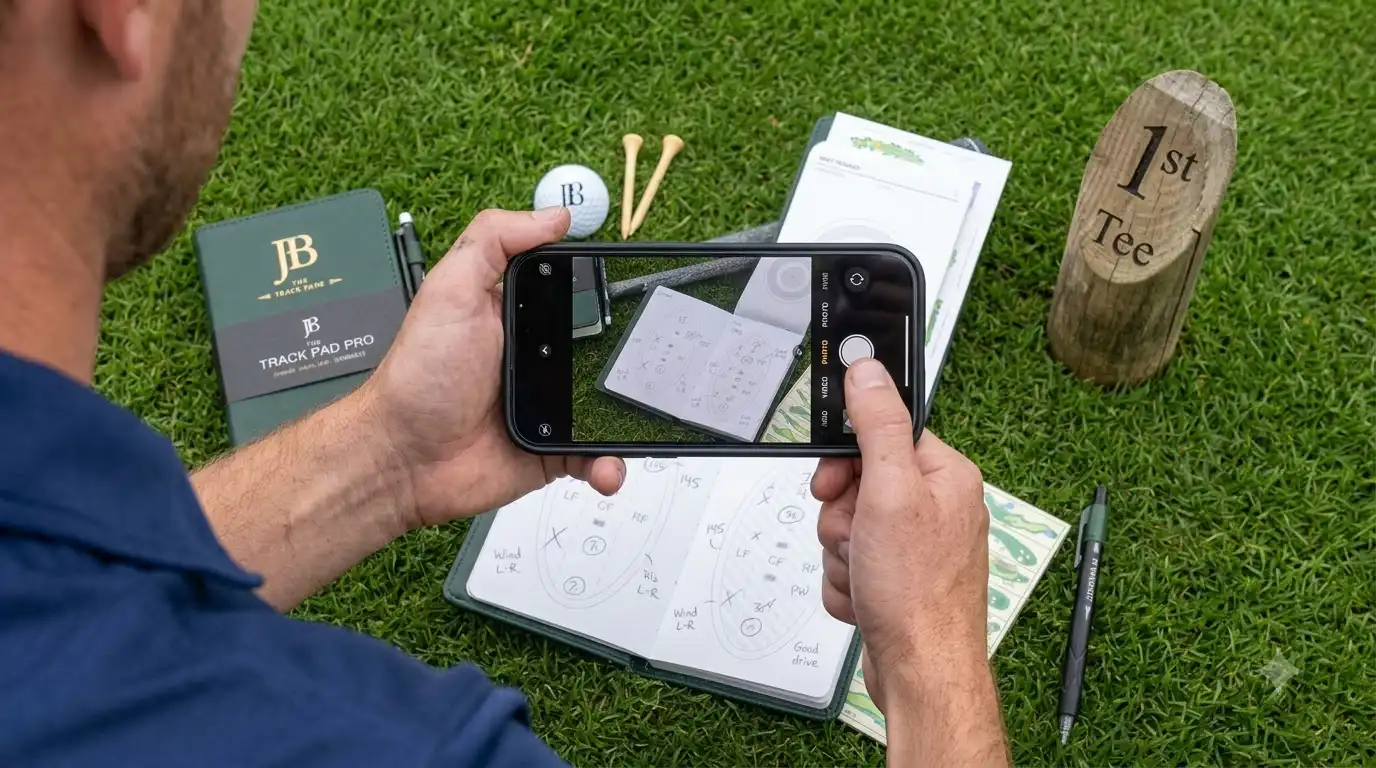
What an AI Golf Scorecard Scanner Actually Does
It reads a photo of a filled-in scorecard through optical character recognition and converts the handwriting into structured numbers you can review and correct. That’s a narrower job than a full digital scoring app like the live-entry tools golfers tap into hole by hole during a round. A scanner assumes you already kept score on paper and only wants help after the fact, so if what you actually want is GPS distances and live entry mid-round, you’re looking at a different category of app entirely, not a scanner.
The Standalone Scanner Apps Worth Knowing
Three apps currently anchor this space, and they solve the same problem in slightly different ways.
| App | How it captures | Price model | Best for | Watch for |
|---|---|---|---|---|
| Scorecard AI | Photo scan, auto Stableford calculation | Free with in app purchases | Golfers who want handicap style scoring and cloud backup | Some users report scans needing manual correction on hole details |
| SnapCard | Photo scan, AI performance rating from recent rounds | Free scanning tier, paid features beyond it | Golfers who want trend tracking without giving up paper on the course | Full history and premium stats sit behind the paid tier |
| Barkie.AI | Single end of round photo, plus GPS during play | Not confirmed publicly at time of writing | Golfers who also want on course GPS in the same app | Combines two feature sets, so it’s a bigger app than a pure scanner |
According to each app’s own listing, all three are built around the same core promise: keep playing with paper, then digitize afterward instead of typing scores into your phone hole by hole.
Where the Scanning Still Breaks Down
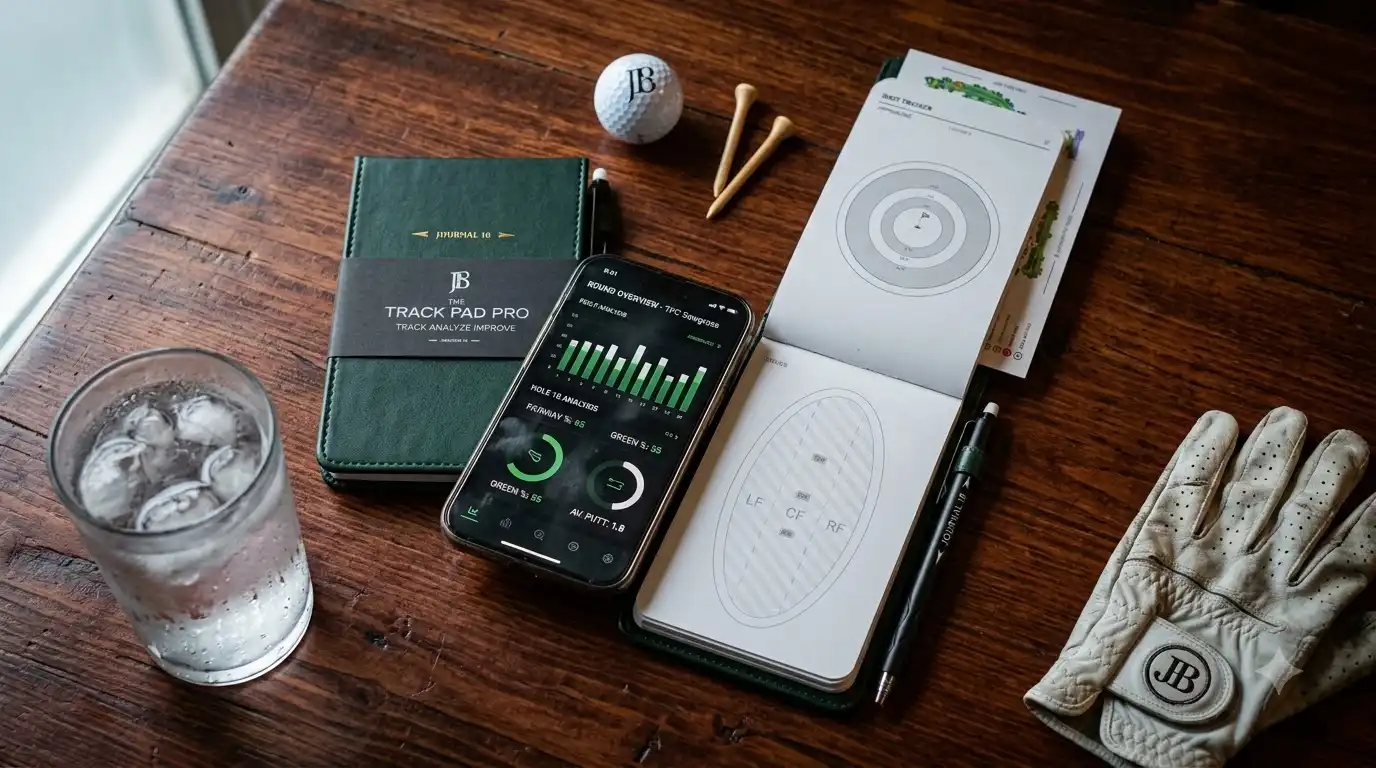
The scan quality depends entirely on the photo. Shadows, glare, and messy handwriting are the most common reasons a scanner misreads a hole score or handicap index, which is why every app in this category still lets you edit the auto filled fields before saving. Skipping that review step is the single most common mistake people make with these tools, since a bad scan can quietly carry a wrong stroke count into your season stats.
It’s also worth checking the trial terms before starting a free trial in any of these apps. Reviews on the App Store for Scorecard AI describe trials converting straight into a paid annual subscription when a prior trial had already been used on the same Apple ID, so read the renewal terms rather than assuming a trial is risk free.
The Hybrid Option: Pairing a Paper Journal With an AI Reader
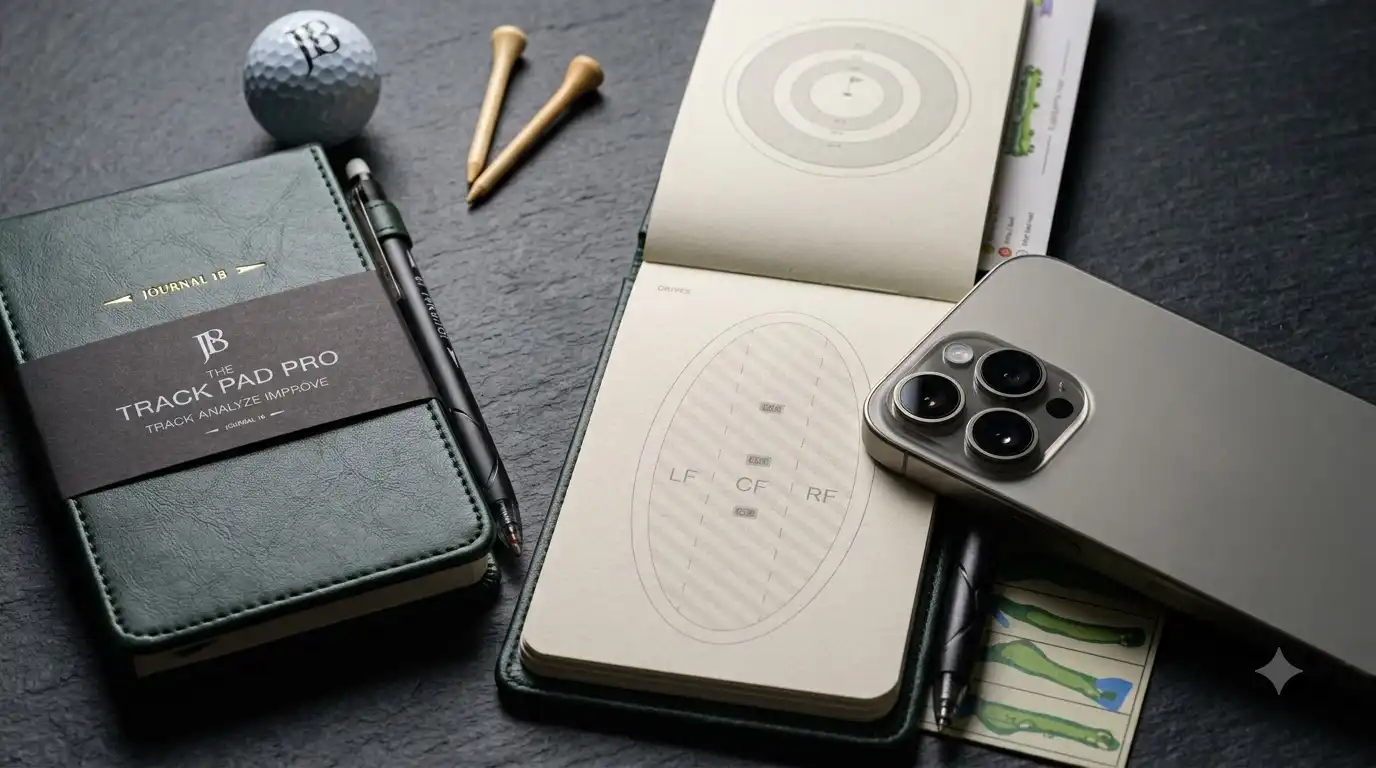
Not every player wants to give up handwriting entirely, and that’s the gap Journal 18 is building toward. Journal 18 sells physical performance journals, including the reusable Track Pad Pro, and its companion app is built specifically to photograph a page from that journal and turn it into editable digital stats. That’s a meaningful difference from the apps above: the Journal 18 app is designed around scanning its own printed journal pages rather than any random scorecard, so it only makes sense if you’re using or planning to use a Journal 18 journal in the first place.
According to Journal 18’s own app support page, every scanned value stays editable, raw scan images are cleared automatically within 48 hours, and round-linked photos are removed within 30 days unless you delete the round yourself, which is a more specific data handling disclosure than the standalone apps publish. As of this writing, Journal 18 is running a sitewide app launch promotion of 20 percent off the Track Pad Pro, currently listed at 79 dollars, alongside The Performance Journal at 54 dollars and the Track Pad Lite at 40 dollars. Pricing and promotions like this change often, so confirm the current price and offer on journal18.com before buying.
Which Setup Actually Fits Your Game
- If you already carry a paper scorecard and just want less typing afterward, a free standalone scanner does the whole job with no extra purchase.
- If the reflection and goal tracking side of the game matters as much as the raw numbers, a journal built for that purpose, scanned afterward, is doing something a plain scanning app was never designed to do.
- If you play in sanctioned competitions, check your event’s local rules on phone use before relying on any scanner mid-round, since policies vary by tournament and club rather than following one universal standard.

If you already keep a paper scorecard out of habit, adding a scanning app costs nothing more than a few minutes after the round, and any of the standalone options above will do the basic job. If you have no scorekeeping habit at all, decide whether you actually want one before picking a tool, since a scanner only digitizes what you’ve already written down, it doesn’t create the habit for you.
And if what appeals to you is really the reflection and progress tracking side of golf, a hybrid system built around a physical journal, like Journal 18’s Performance Log paired with its scanning app, is solving a different problem than a free scanner app and deserves to be judged on that basis rather than side by side with it.
If you already keep a paper scorecard out of habit, adding a scanning app costs nothing more than a few minutes after the round, and any of the standalone options above will do the basic job.
Last updated: September 16, 2026

Elliot Long spent seven years buying paid search and social traffic for e-commerce brands before starting Couponaro. That work taught him how much of the coupon web runs on codes that expired years ago. He runs this site on his own, dates every page he updates, and would rather tell you a brand has no working code than waste your time at checkout.