
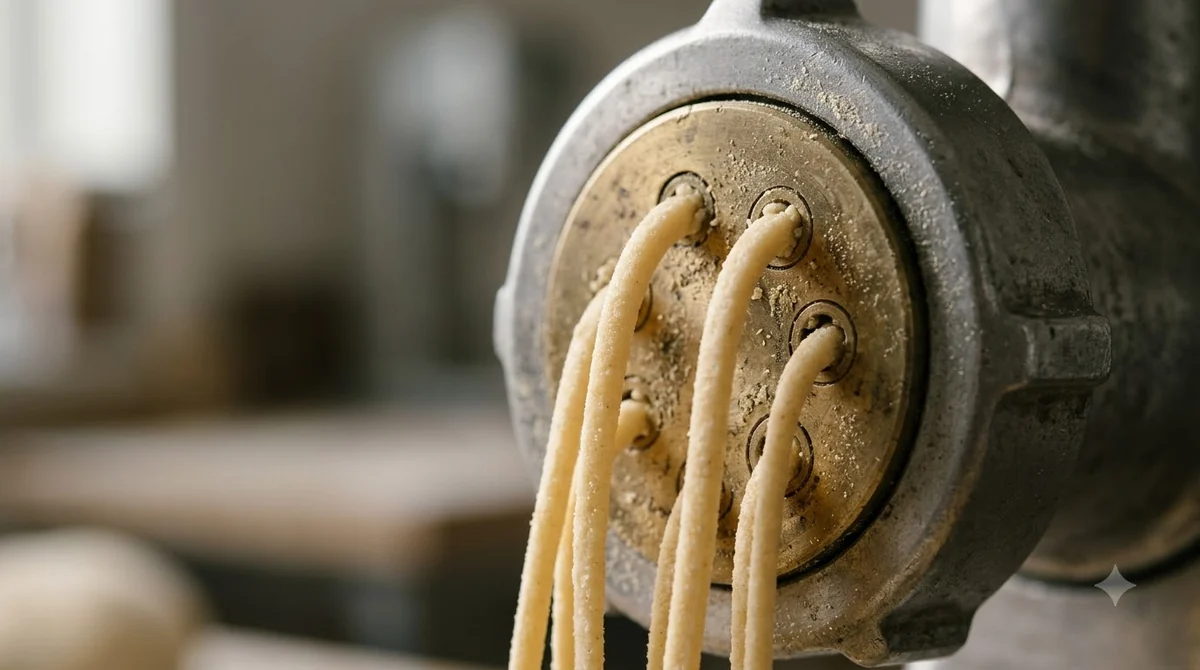

The Philips 7000 pasta maker discs for model HR2660/00 are listed as 6 on the Philips product page, and its leaflet names 10 shapes with a footnote saying the disc count may vary per model. Check the discs in your own box against the leaflet and the model label on your unit before you assume a shape is missing. Below you will find the disc count, the shape list, how to store the discs, how to clean them, and what to check before buying extra discs.
The Amazon listing below is titled as a 7000 Series pasta maker with 8 discs, while Philips’s US page lists 6 discs for HR2660/00. Compare the model number on the listing with the label on your unit before you rely on either count.

Philips 7000 Series Pasta Maker
Pros & ConsViewHide
Reasons to buy
- Mixes, kneads and extrudes automatically, ready in under 10 minutes per the listing
- Makes up to 8 portions in one go
- Comes with 8 shaping discs
- Parts are listed as dishwasher-safe
Reasons to avoid
- Costs far more than a manual roller
- Needs permanent counter space
- 11% of ratings are 1-star
Philips 7000 Pasta Maker Discs Included in the Box
The Philips 7000 pasta maker discs are listed as 6 on the product page for the HR2660/00, and the box also includes a measuring cup, a cleaning tool and a user manual.
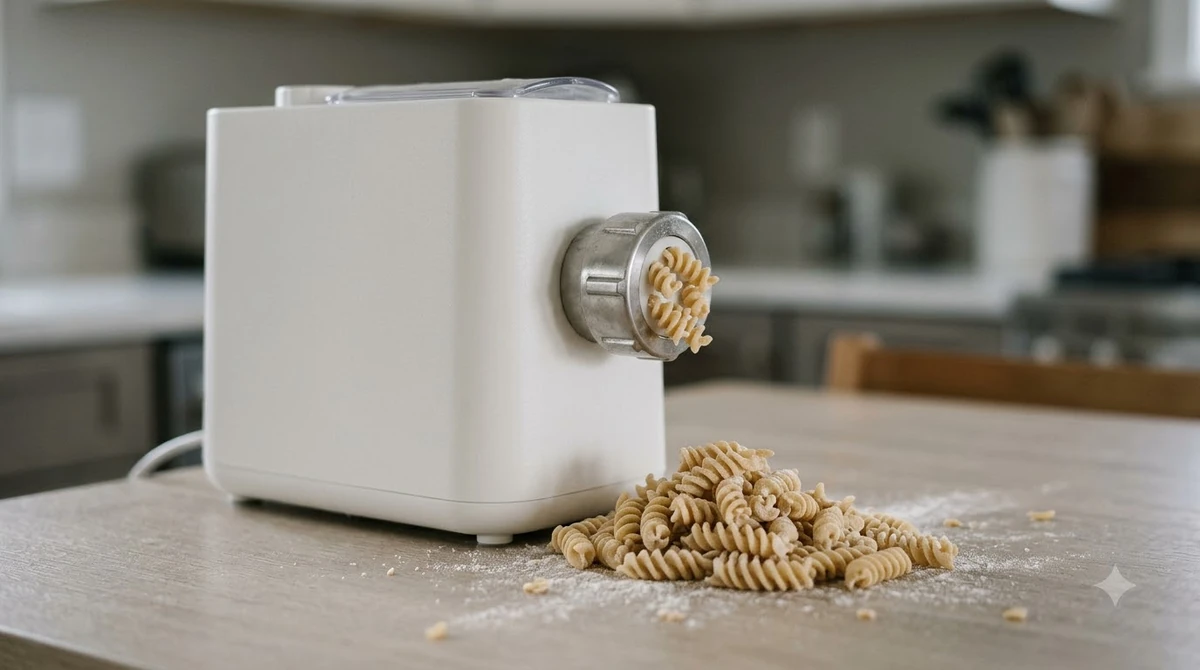
The Philips product page for the 7000 Series pasta maker and its spec sheet both give the disc count as 6. The spec sheet adds a footnote that reads “the number of shaping discs may vary per model”, so six is the figure Philips states for this model number. If you also own the Avance machine, our Philips Avance pasta maker accessories guide covers its own discs. It is not a guarantee for every unit sold under the same name.
The product page and leaflet also give a capacity of up to 8 portions and 700 g, so the discs are sized for a household batch. The spec sheet’s accessory list is short: a measuring cup, a cleaning tool, the shaping discs and a user manual. Keep track of the cleaning tool in particular, because Philips uses it to push dough residue out of the disc openings before cleaning.
Philips also states that the machine has a smart storage space for the Philips 7000 pasta maker discs, so you do not need a separate drawer for them. The storage space is covered in the section on storing the discs below.
Shapes Listed for the Philips 7000 Pasta Maker Discs
The Philips leaflet names ten pasta shapes the discs can make, which is more than the six-disc count on the product page.
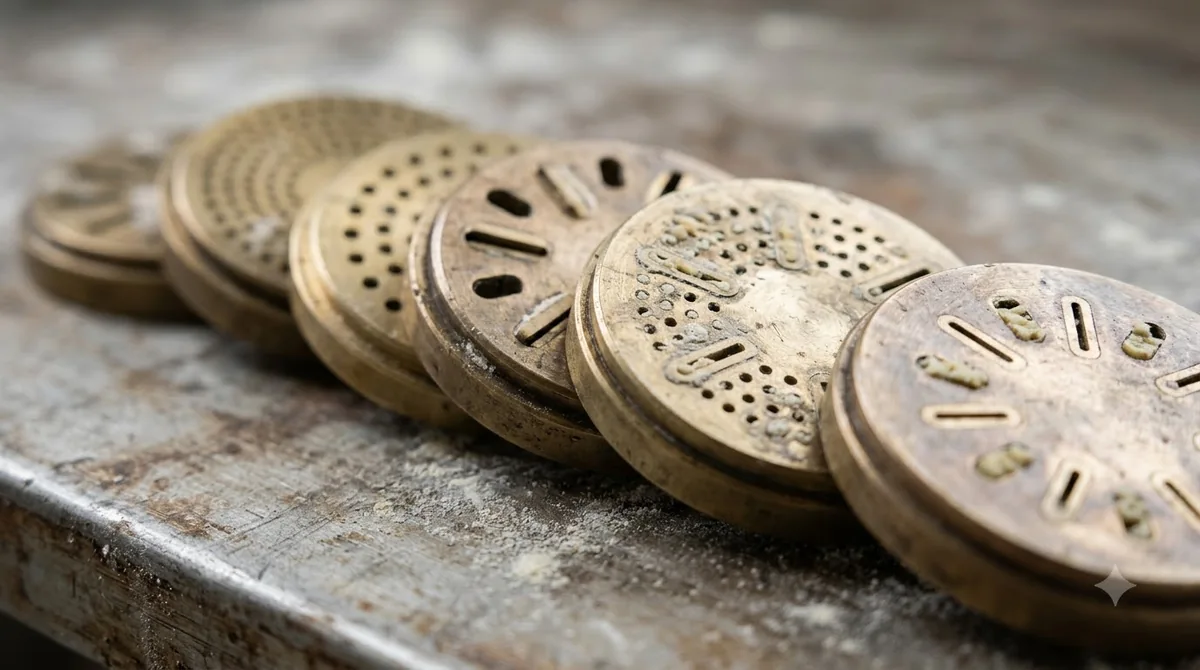
The Philips product leaflet for HR2660/00 lists these shape names under “Up to 10 pasta shapes”: the table below repeats that list in the order the leaflet gives it.
| No. | Shape name in the Philips leaflet |
|---|---|
| 1 | Lasagna |
| 2 | Penne |
| 3 | Fettuccine |
| 4 | Spaghetti |
| 5 | Angel hair |
| 6 | Thick spaghetti |
| 7 | Tagliatelle |
| 8 | Pappardelle |
| 9 | Shells |
| 10 | Paccheri |
The same leaflet gives the disc count as 6 in its specifications, so the ten names and the six-disc figure do not match. Philips does not say which six shapes come in a given box, and this article does not claim that any particular subset ships with your unit. Compare the Philips 7000 pasta maker discs in your box with the list above before you assume a shape is included. Philips’s Viva line uses a different range, covered in our Philips Viva pasta maker discs guide.
The leaflet is dated 2024-02-01 (issue date on the document), so it may not match discs packed in later production runs. The model label and the box contents are the more reliable check for your own unit.
Storing the Discs in the Machine
Philips says the pasta maker discs go into the smart storage space built into the pasta maker, so they stay with the machine between uses.
The leaflet’s “Up to 10 pasta shapes” section says all discs can be stored in the smart storage space in the device, so they are not lost. Put each of the Philips 7000 pasta maker discs back in that space once it is fully dry after cleaning, rather than leaving it on the counter where it can be misplaced.
If a disc does not fit back into the space, first check the disc count against the box contents and your model label. Philips notes that the number of shaping discs may vary per model, so compare your unit with the product page before you conclude that a part is missing.
Cleaning the Shaping Discs
Let the dough dry, use the cleaning tool to push residue out of each Philips 7000 pasta maker disc, then rinse. Philips says most detachable parts can go in the dishwasher on a cycle below 60°C.
- Let the dough residue air-dry first, which Philips recommends especially for the discs.
- Use the supplied cleaning tool to poke the dough residue out of the disc.
- Rinse under the tap, or place the removable parts in the dishwasher on a cycle below 60°C (140°F).
Philips’ cleaning FAQ for the Philips pasta maker says almost all detachable parts are dishwasher safe, with one exception: the front panel of the 7000 Series cannot go in the dishwasher. The same FAQ covers HR2660/00, HR2660/03 and HR2375/06.
The main unit must never be immersed in water, so wipe it with a dry cloth. The FAQ also says not to use the abrasive side of a kitchen sponge or aggressive detergents. Our guide to cleaning a pasta machine lists extra habits that apply to any extruder.

Buying Extra or Replacement Philips 7000 Pasta Maker Discs
This article did not find an official listing for extra or replacement discs for the Philips 7000 pasta maker, so check the Philips support pages before buying anything.
The product page and the cleaning FAQ checked for this article do not list replacement discs, a disc set, or a price. Look up the model number HR2660/00 on the Philips support pages for parts and accessories, and confirm the model number on your own unit first. For the wider range, see our Philips pasta maker overview.
Be careful with listings that describe the machine under other names or model numbers. Some customer reviews on the product page refer to an HR2660/03 or an “Artisan” name, and the FAQ’s model list does not show that disc sets are interchangeable across those models.
Dough Residue and Daily Disc Care
Dough residue is the main reason Philips 7000 pasta maker discs stop releasing pasta cleanly, and the way you handle it after a session matters as much as the wash itself. Philips’ cleaning guidance says to let dough residue air-dry before you clean, especially on the discs. Dry residue lifts off far more easily than soft dough, so give the discs a few minutes on the counter before you start.
Next, use the cleaning tool supplied with the machine to push residue out of each disc, then rinse under the tap. Philips says the shaping discs and detachable parts can go in the dishwasher, but you should select a program below 60°C (140°F) and remove larger dough chunks first. Avoid the abrasive side of a kitchen sponge and aggressive detergents, since they scratch the surface of the discs.
The main unit needs different treatment. Philips says to wipe its exterior with a dry cloth and not to immerse it in water. Do not rinse or soak the main unit, because water and harsh cleaners can damage the plastic over time and shorten the life of the pasta maker.
Philips also says the discs can be stored in the smart storage space inside the machine, which keeps every disc with the unit between sessions. Check that each of the Philips 7000 pasta maker discs is back in its slot before you put the machine away, so that none is lost between batches. A simple daily routine looks like this:
- Let dough residue on the Philips 7000 pasta maker discs air-dry before you start cleaning.
- Push residue out of each disc with the supplied cleaning tool.
- Wash discs in a dishwasher program below 60°C (140°F), or rinse them under the tap.
- Wipe the main unit with a dry cloth only, and never immerse it.
- Store every Philips 7000 pasta maker disc in the machine’s storage space once it is dry.
Frequently Asked Questions
How many Philips 7000 pasta maker discs come with the machine?
The product page and spec sheet list 6 discs for model HR2660/00. The leaflet also names ten shapes and says the number of discs may vary per model.
Can I wash the Philips 7000 pasta maker discs in the dishwasher?
Philips says most detachable parts can go in the dishwasher on a cycle below 60°C. Let the dough dry and use the cleaning tool on the disc first.
Does the cleaning tool for the Philips 7000 pasta maker discs come in the box?
Yes. The leaflet’s accessory list includes a cleaning tool, and the Philips FAQ tells you to use the supplied cleaning tool on the disc.
Can I buy more Philips 7000 pasta maker discs?
This article did not find a replacement or extra disc listing on the official pages it checked. Check the Philips support pages for HR2660/00 before you buy, and do not rely on listings that use a different model number.
What temperature should I use to wash the Philips 7000 pasta maker discs?
Philips says to select a dishwasher program below 60°C (140°F). Let dough residue air-dry first, push it out with the supplied cleaning tool, and then wash or rinse the discs.
Check the Philips 7000 pasta maker discs in your box against the shape list, keep them in the storage space, and clean them with the cleaning tool once the dough has dried. For any disc you cannot confirm, the model number on your unit (HR2660/00 for this guide) is the reference to use with Philips support.
 8 min readBy Use & ModelPhilips Viva Pasta Maker Discs: What Comes in the Box and What to CheckUpdated Nov 10, 2026
 8 min readBy Use & ModelPhilips 7000 Pasta Maker Recipes: Where to Find ThemUpdated Nov 8, 2026
 8 min readBy Use & ModelHamilton Beach Pasta Maker Discs: The Seven Shapes and How to Swap ThemUpdated Nov 8, 2026
 7 min readBy Use & ModelPhilips 7000 Pasta Maker Manual: How to Find It and Use ItUpdated Nov 8, 2026
 9 min readBy Use & ModelPhilips Avance Pasta Maker Accessories: What Fits HR2375/06Updated Nov 10, 2026
 9 min readBy Use & ModelPhilips Viva Pasta Maker Manual: Where to Find It and How to Use ItUpdated Nov 10, 2026