


KitchenAid tilt head attachments are optional tools that connect to a power hub on the mixer head. The hub has a cover, and each attachment locks in place with a knob. The steps below follow the manufacturer’s product help, and they show how to check whether a tool fits your own model.
Fit depends on the exact mixer model, so the owner’s manual is the final check before you buy any of the KitchenAid tilt head attachments.

KitchenAid KSMPRA 3-pc Pasta Roller/Cutter Set
Pros & ConsViewHide
Reasons to buy
- Roller and cutter attachments for KitchenAid stand mixers
- Rolls even sheets without hand cranking
- 88% of 9K Amazon ratings are 5-star
Reasons to avoid
- Needs a compatible KitchenAid stand mixer
- Rolls and cuts the dough, but does not fill or fold tortellini
- One of the costlier tools in this guide

KitchenAid 5-Blade Fruit and Vegetable Spiralizer
Pros & ConsViewHide
Reasons to buy
- Five interchangeable stainless steel blades with peel, core and slice
- 4.7-star Amazon rating
- Turns vegetables into noodle-style strands
Reasons to avoid
- Hand wash only per the listing
- Vegetable tool, not a pasta shaper

KitchenAid FGA Food Grinder Attachment, White
Pros & ConsViewHide
Reasons to buy
- Official KitchenAid food grinder for stand mixer hubs
- Rated 4.6 stars on Amazon
- Handy for fresh meat or cheese prep alongside pasta
Reasons to avoid
- Grinding is a different job from pasta making
- Confirm fit for your exact mixer model before ordering
What the Power Hub on a Tilt-Head Mixer Is
The power hub is the attachment port on the mixer head, and a cover closes it when no tool is fitted. You open it by turning the attachment knob counterclockwise, which is the first movement in the manufacturer’s fitting steps.
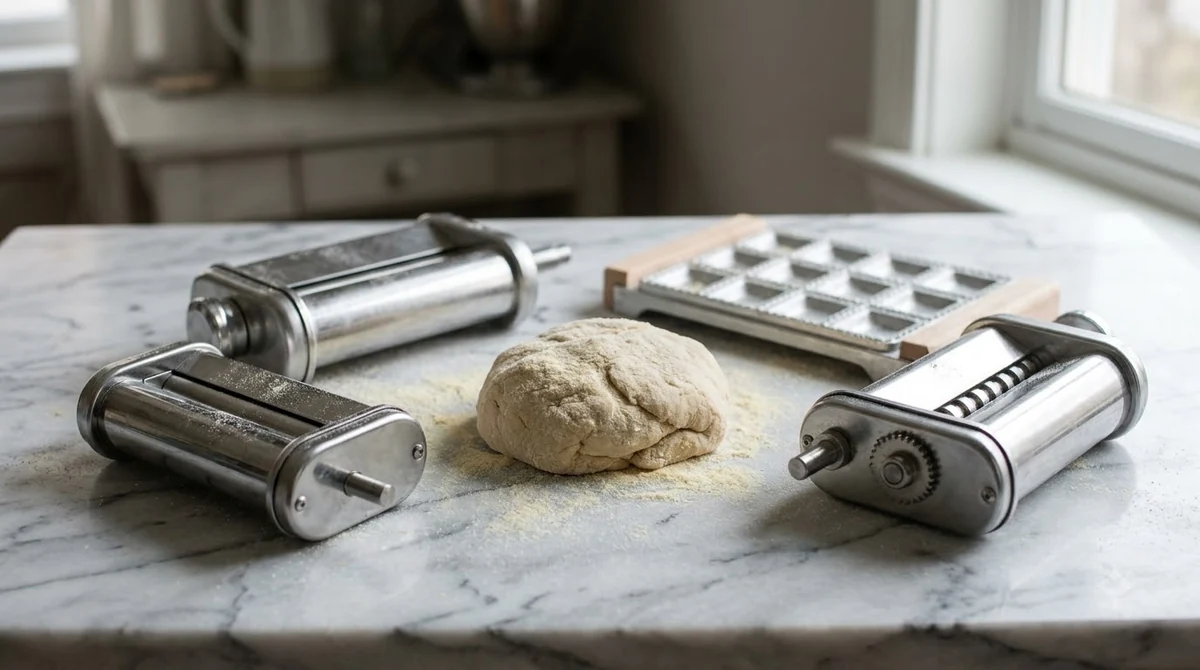
The manufacturer’s help page for a tilt-head model says the optional attachments “may be attached to the Stand Mixer attachment power hub.” The page includes a diagram of the hub, but the text does not describe its position in detail, so look at your own mixer before you start. The name tilt-head refers to the head, which tilts back so you can reach the bowl and the hub. As the manufacturer describes it, KitchenAid tilt head attachments connect through this one port, and the same idea applies to a smaller mixer such as the one covered in our Artisan Mini attachments guide.
The hub is the only connection point described on this page, so an attachment that needs a different connection should not be assumed to fit. Read the packaging for the model list, and do not rely on a photo alone.
When you read a listing for KitchenAid tilt head attachments, look for the words power hub or attachment port. Those terms match the manufacturer’s wording, so they make it easier to check whether a tool is meant for the head you own. A listing that never mentions the hub or a model number deserves a closer look before you order.
How to Attach KitchenAid Tilt Head Attachments Step by Step
To attach one, unplug the mixer, set the speed control to 0, remove the hub cover, seat the attachment in the socket, and tighten the knob clockwise until the tool is fully secured.
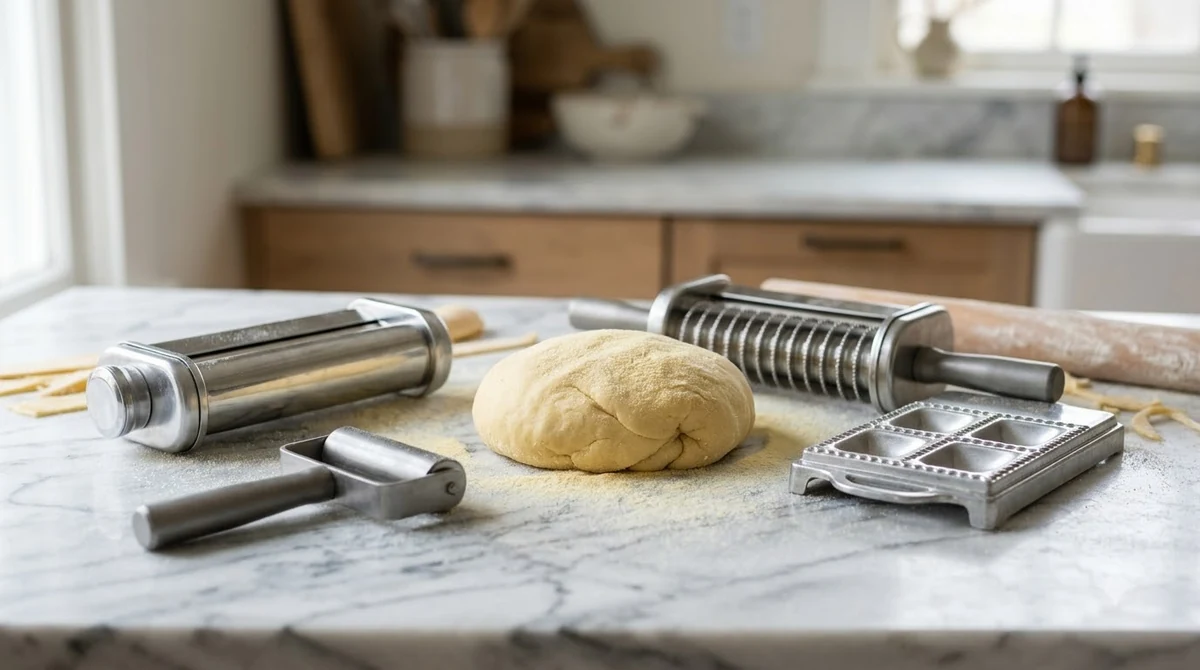
- Unplug the mixer and set the speed control to “0” before you start.
- Remove the hub cover by turning the attachment knob counterclockwise.
- Insert the attachment so the power shaft fits the square socket in the hub. You may need to rotate it back and forth.
- Check that the pin on the attachment fits into the notch on the hub rim.
- Tighten the attachment knob clockwise until the attachment is completely secured to the mixer.
The step with the pin is the check that the tool is seated. If the attachment does not sit square in the socket, back it out and try again rather than forcing the knob. KitchenAid’s optional attachments help page gives these steps and names the spiralizer, pasta cutters and food grinder as examples.
Most fitting problems come from skipping the first two steps or from forcing the knob. Once the tool is seated and the knob is tight, give it a gentle tug by hand to confirm it does not move. Repeat the same routine for each of your KitchenAid tilt head attachments, so the habit becomes automatic. If you own a bowl-lift model instead, our bowl-lift mixer attachments guide is the better starting point.
How to Remove an Attachment and Close the Hub
To remove an attachment, unplug the mixer, make sure the speed control is at 0, turn the attachment knob counterclockwise to loosen it, and take the tool out of the socket. Refit the hub cover when no tool is in use.
Changing an attachment while the mixer is running is the most common mistake. The manufacturer’s steps begin with the power off and the speed control at 0, so follow that order each time you swap a tool.
The manufacturer’s page also says that for each attachment’s usage details, you should follow the instructions that came with that attachment. Those instructions may cover speed, feed and cleaning, and they take priority over general advice. For pasta tools, see how to clean a KitchenAid pasta extruder.
Keep the hub cover, the attachment knob, and the attachment’s own booklet together in one place. When you store your KitchenAid tilt head attachments, a labeled bag or box keeps small parts from getting lost between uses.
KitchenAid Tilt Head Attachments You Will See Most Often
The manufacturer page names three of the KitchenAid tilt head attachments as examples: a spiralizer, pasta cutters and a food grinder. Retailer listings for tilt-head models also mention pasta makers and ice cream makers, but no manufacturer page read for this guide confirmed those names for this model range.
| Attachment | Named on manufacturer help page | What to check before buying |
|---|---|---|
| Spiralizer | Yes | Model match in the owner’s manual |
| Pasta cutters | Yes | Model match and the cutter set included |
| Food grinder | Yes | Model match and the grinding plates included |
| Ice cream maker | Not confirmed | Confirm on the attachment packaging and the manufacturer catalog |
Among KitchenAid tilt head attachments, the pasta cutters and the food grinder are the two tools on the list that most readers will compare against a pasta maker, and how to use the KitchenAid pasta roller shows the cutter side in action. Their included parts vary by package, so match the parts list to the tool you plan to use before you buy.
The manufacturer page describes attachments as optional, so budget for each tool separately rather than assuming one purchase covers every task. Decide which KitchenAid tilt head attachments you will use each week before you buy, and skip the rest until you need them.

How to Confirm Which Attachments Your Model Accepts
For KitchenAid tilt head attachments, the reliable check is your mixer’s model number, matched against the attachment list in the owner’s manual or on the manufacturer’s site. Retailer counts of optional attachments differ by model, and no manufacturer page read for this guide gave a count, so this article does not state one.
Start with the model number printed on the mixer. Then compare it with the attachment packaging, which should name the mixer models it supports. If the packaging names no model, do not assume it fits. Our notes on KitchenAid Classic Plus attachments show how the same check works for another tilt-head model.
Keep the model number and the purchase receipt together with the attachment packaging. If a fit question comes up later, the model number is the first detail that support staff will ask for, and it saves time when you contact the manufacturer about your KitchenAid tilt head attachments.
What Is Not Verified Here and How to Check It
- The number of optional attachments for each model: check the owner’s manual or the official catalog.
- Whether a replacement power hub part fits every tilt-head model: check the part number against your model number before ordering.
- Whether an attachment from an older mixer fits a newer head: check the attachment packaging and the manufacturer’s compatibility notes.
- Any price or availability: check the current listing from the seller, since these change often.
Frequently Asked Questions
Can I use any of the KitchenAid tilt head attachments on any tilt-head mixer?
Not confirmed. The manufacturer page reviewed for this guide names examples but gives no compatibility list across models. Check the attachment packaging and your model’s owner’s manual before you buy, and do not assume a tool fits because the hub looks the same.
Do I need to unplug the mixer to change an attachment?
Yes. The manufacturer’s steps say to unplug the mixer and set the speed control to 0 before you attach or remove a tool. Doing this first keeps the mixer from starting while your hands are near the hub and the attachment.
What is the cover on the power hub for?
The cover closes the hub when no attachment is fitted. To remove it, turn the attachment knob counterclockwise, as the manufacturer’s steps describe. Refit it when you store the mixer or finish using a tool.
Are KitchenAid tilt head attachments included in the mixer box?
The manufacturer page describes the attachments as optional, so they are not assumed to be standard. Check the box contents or the product page for your exact model before you buy.
Which attachments are named most often on the manufacturer page?
The page reviewed names a spiralizer, pasta cutters and a food grinder. Retailer listings add pasta makers and ice cream makers, but those names were not confirmed on a manufacturer page, so verify them before you buy.
Before buying KitchenAid tilt head attachments, match your mixer’s model number to the owner’s manual and the attachment packaging. Unplug the mixer each time you fit or remove a tool. If an attachment does not seat in the hub, stop and check the fit rather than forcing the knob.
 9 min readBy Use & ModelBreville Pizzaiolo Dough Recipe: The Method That Works in the OvenUpdated Nov 6, 2026
 9 min readBy Use & ModelKitchenAid Pro Line Attachments: What Fits and How to CheckUpdated Nov 8, 2026
 9 min readBy Use & ModelKitchenAid 7 Quart Attachments: What Fits and What to CheckUpdated Nov 15, 2026
 8 min readBy Use & ModelKitchenAid Heavy Duty Attachments: Which Ones Fit Your MixerUpdated Nov 15, 2026
 7 min readBy Use & ModelKitchenAid Bowl Lift Attachments: Which Pasta Tools Fit Your MixerUpdated Nov 7, 2026
 8 min readBy Use & ModelKitchenAid Artisan Mini Attachments: Which Pasta Tools FitUpdated Nov 7, 2026